How to Study With ChatGPT: 12 Practical Ways to Learn Better
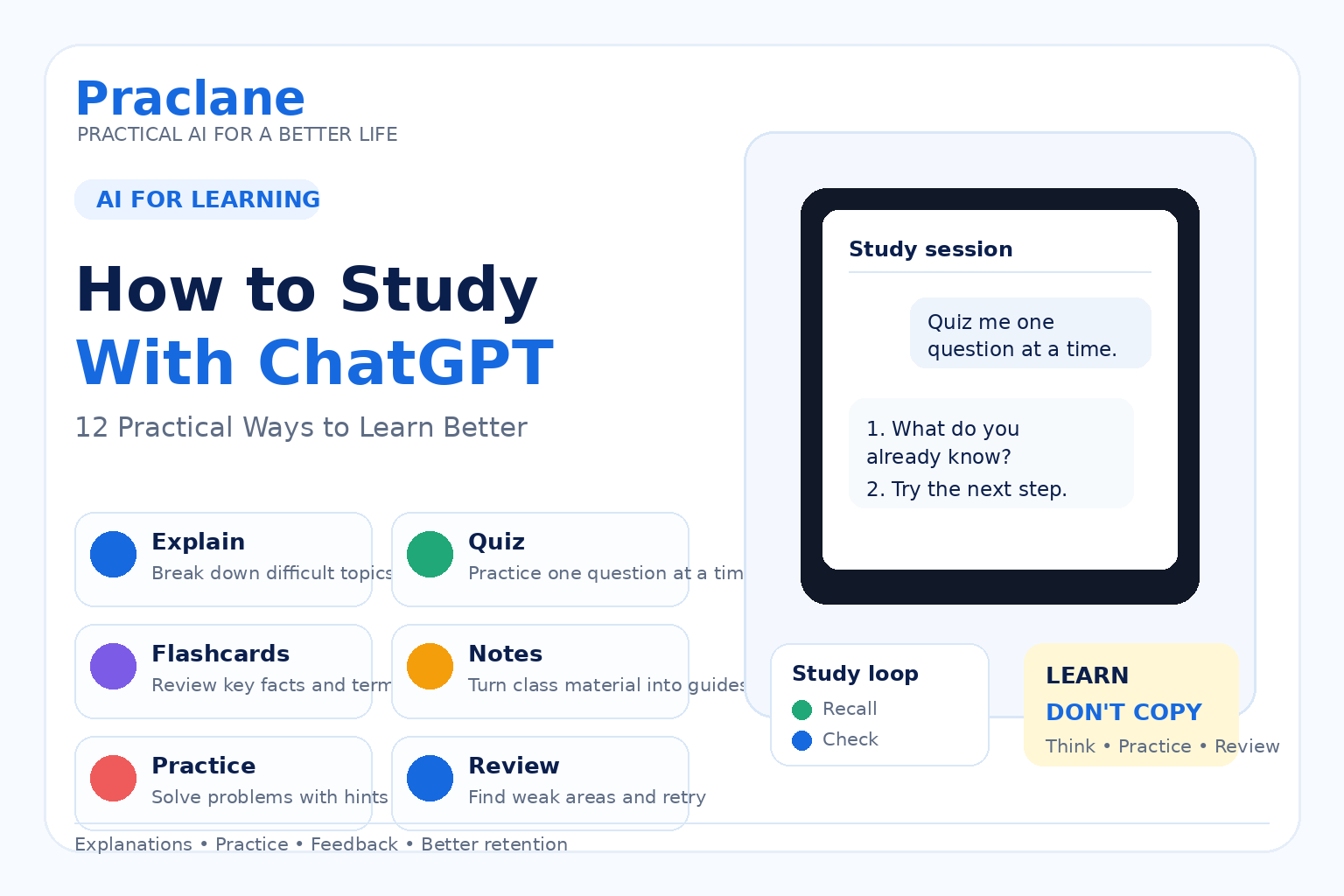
ChatGPT can be a useful study partner when you use it to think, practice, and review—not just to get quick answers.
This guide shows how to study with ChatGPT using 12 practical methods for understanding difficult topics, preparing for exams, reviewing notes, creating practice questions, and building a repeatable study routine.
If you are completely new to ChatGPT, start with our beginner guide. If you want better responses from your study prompts, see our guide to writing better ChatGPT prompts.
What Makes ChatGPT Useful for Studying?
The main advantage is flexibility. You can ask for a simpler explanation, request an analogy, upload notes, practice one question at a time, or ask ChatGPT to focus only on the parts you keep getting wrong.
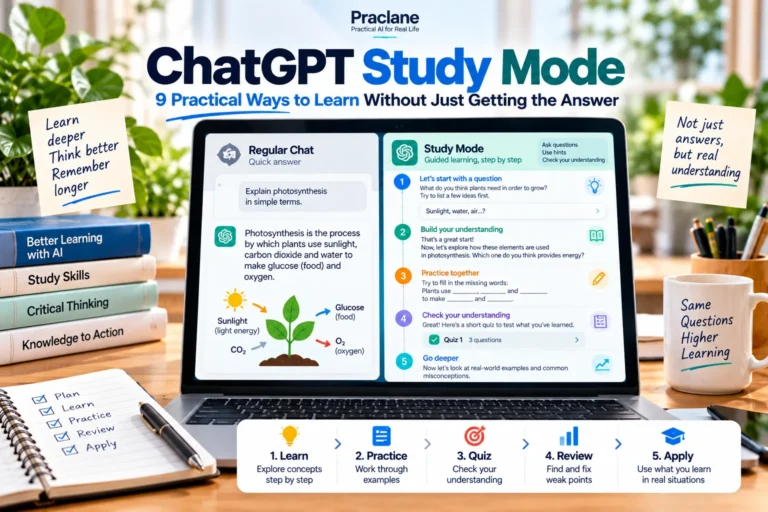
OpenAI’s current Study mode documentation says Study mode is designed to guide learning with questions, step-by-step explanations, practice, and understanding checks rather than only giving final answers.
The best results come when you use ChatGPT to actively work with the material instead of passively reading generated summaries.
12 Practical Ways to Study With ChatGPT
1. Ask for a Beginner-Friendly Explanation
When a textbook explanation feels too dense, ask ChatGPT to explain the same idea at your current level.
Explain cellular respiration to a high school student. Start with the basic idea, use one everyday analogy, and avoid unnecessary terminology. Then give me three key points to remember.
If the explanation is still too difficult, ask it to simplify one part instead of restarting the whole topic.
2. Use Study Mode for Guided Learning
Study mode is useful when you want ChatGPT to guide you instead of immediately giving the answer. It can ask what you already know, give hints, and check your understanding as you progress.
I’m learning quadratic equations. Do not give me the final answer immediately. Ask me one question at a time and help me figure out each step myself.
This is especially useful for math, science, logic, and any subject where the process matters as much as the final result.
3. Turn Your Notes Into a Study Guide
Upload or paste your notes and ask ChatGPT to organize them into a cleaner review format.
Turn these lecture notes into a study guide. Organize the material by topic, list the most important definitions, highlight likely exam concepts, and add a short review checklist at the end.
For important details, compare the result with your original notes or course material rather than treating the AI summary as the source of record.
4. Create Practice Questions
Practice is usually more useful than rereading the same page several times. Ask ChatGPT to turn your material into questions.
Create 15 practice questions from these notes. Use a mix of multiple-choice, short-answer, and explanation questions. Do not show the answers until I finish.
You can also ask it to increase or decrease the difficulty after seeing how you perform.
5. Quiz Yourself One Question at a Time
A one-question-at-a-time format makes the session more interactive and prevents you from accidentally reading the answers ahead of time.
Quiz me on World War I. Ask one question at a time. Wait for my answer, tell me whether I was correct, explain what I missed, and then give me the next question.
At the end, ask ChatGPT to summarize the topics you missed most often.
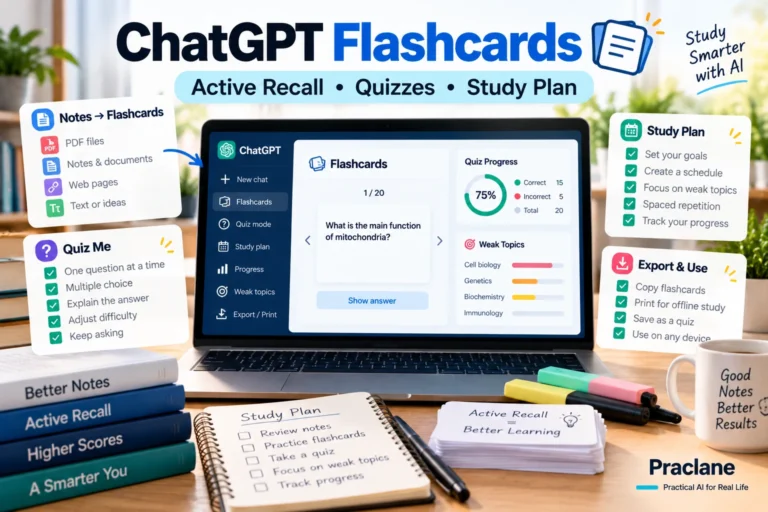
6. Create Flashcard-Style Review
Flashcards work well for definitions, vocabulary, formulas, dates, concepts, and other material that benefits from repeated recall.
Turn this chapter into 30 flashcards. Put a short question on the front and a concise answer on the back. Focus on concepts I need to recall, not trivia.
You can then ask ChatGPT to test you only on the cards you miss.
7. Ask for Examples and Analogies
If you understand a definition but still cannot picture how it works, ask for a concrete example.
I understand the definition of opportunity cost, but it still feels abstract. Give me three everyday examples: one about money, one about time, and one about choosing between two activities.
This can make abstract concepts easier to remember because you connect them to something familiar.
8. Practice Solving Problems Without Seeing the Answer First
For problem-based subjects, tell ChatGPT to give hints before giving a solution.
Give me a probability problem at an intermediate level. Let me solve it first. If I get stuck, give me a small hint instead of the full solution.
This keeps you engaged with the reasoning instead of turning the session into answer copying.
9. Find Gaps in Your Understanding
One of the most useful study techniques is trying to explain a topic yourself and then looking for gaps.
Here is my explanation of photosynthesis. Tell me what I explained correctly, what is incomplete, and what I may have misunderstood. Do not rewrite everything unless necessary: [your explanation]
This makes ChatGPT a reviewer of your thinking rather than the person doing the thinking for you.
10. Build a Realistic Exam Study Plan
Give ChatGPT your exam date, available time, subjects, and weak areas. Then ask for a schedule that prioritizes what actually needs attention.
My biology exam is in 12 days. I can study 45 minutes on weekdays and two hours on weekends. I am weakest in genetics and cell division. Create a realistic study plan with review days and practice-test sessions.
If the schedule is too ambitious, reduce it. A study plan only works if you can actually follow it.
11. Review Mistakes After a Practice Test
Instead of only checking the score, use your wrong answers to identify patterns.
These are the six questions I got wrong. Group my mistakes by type, explain the underlying concept I need to review, and create three new practice questions for each weak area.
This turns mistakes into a targeted review list instead of repeating material you already know.
12. Use Uploaded Materials as the Main Reference
If your class has specific notes, slides, readings, or a syllabus, upload them and ask ChatGPT to stay grounded in those materials.
Use only the uploaded lecture slides for this review. Create a summary of the main concepts and 20 practice questions. If something is not covered in the slides, say that instead of filling the gap from general knowledge.
OpenAI notes that Study mode can work with uploaded course materials such as notes, slides, worksheets, textbook excerpts, and problem images when uploads are available in the chat.
A Better Way to Study: Retrieval, Feedback, and Repetition
A common mistake is using ChatGPT only to create summaries. Summaries can help, but they are passive. A stronger routine is to read or review briefly, answer questions from memory, get feedback, and repeat the material you missed.
In practice, that can look like this: review a short section, ask ChatGPT for questions, answer without looking at your notes, check your mistakes, then repeat only the weak areas.
What Not to Do When Studying With ChatGPT
- Do not copy answers without understanding the reasoning.
- Do not assume every fact, citation, or calculation is correct.
- Do not let AI replace your course material when the class has a specific source.
- Do not use AI in ways that violate your teacher’s, school’s, or institution’s rules.
- Do not spend more time designing the perfect prompt than actually studying.
For fact-checking methods, see our guide to verifying ChatGPT answers and avoiding hallucinations.
A Simple 30-Minute ChatGPT Study Session
- 5 minutes: tell ChatGPT the topic and what you already know.
- 10 minutes: review one concept with a short explanation or example.
- 10 minutes: answer practice questions without looking at notes.
- 5 minutes: review mistakes and create a short list of what to study next.
The exact timing is not important. The point is to spend more of the session answering, recalling, and correcting than simply reading.
Frequently Asked Questions
Is ChatGPT good for studying?
It can be useful for explanations, practice questions, review, feedback, study planning, and working with your own materials. The value depends heavily on whether you actively engage with the material or simply copy the answers.
Is Study mode available on the Free plan?
OpenAI currently says Study mode is available across ChatGPT plans globally on web, iOS, and Android. Menu placement and shortcuts can vary by app version.
Can I upload class notes or PDFs?
When file uploads are available in your chat, you can use notes, slides, worksheets, PDFs, and other supported materials as study context. Tell ChatGPT which pages, sections, or questions you want it to focus on.
Can I use ChatGPT for homework?
You can use it as a learning aid, but follow the AI-use rules set by your teacher, school, or organization. For graded work, use it to understand and practice rather than to bypass the learning process.
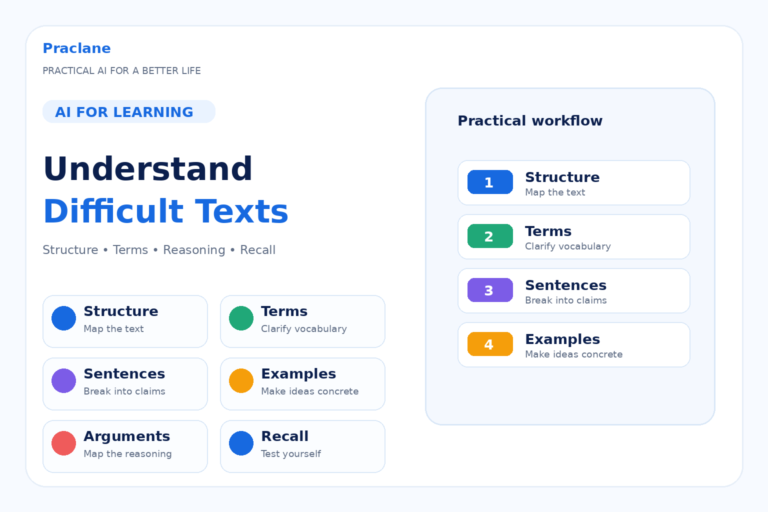
For harder reading assignments, see how to use ChatGPT to understand difficult texts. For source-grounded research and studying, you may also want our Gemini Notebook guide.
If you want ChatGPT to guide you with questions and practice instead of simply giving answers, see our ChatGPT Study Mode guide.
Final Thoughts
The most effective way to study with ChatGPT is not to ask for faster answers. It is to use AI to create more opportunities to explain, recall, practice, get feedback, and fix weak areas.
Start with one subject you are already studying. Ask ChatGPT to quiz you one question at a time, review what you miss, and build the next session around those weak points.
For more ideas beyond studying, see 10 practical things you can do with ChatGPT.