ChatGPT Flashcards: Turn Notes Into Active Recall, Quizzes, and a Study Plan
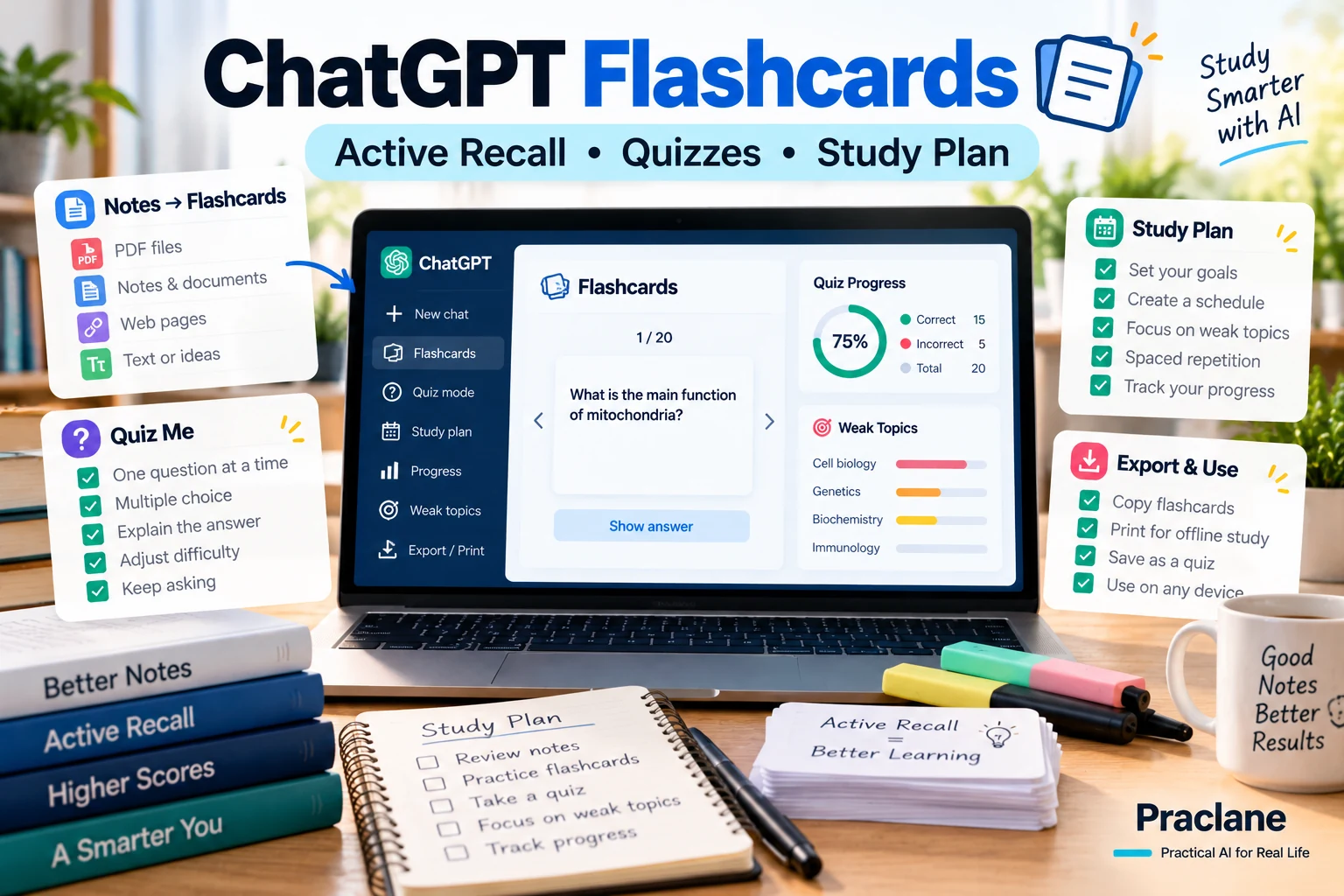
Flashcards are useful when they force you to retrieve an answer from memory. They are much less useful when they become a pile of copied definitions you can recognize but cannot explain.
ChatGPT can help turn class notes, slides, readings, or a syllabus into a more active study system: flashcards, retrieval questions, quizzes, weak-topic review, and a short study plan.
This guide focuses on using ChatGPT as a study assistant rather than an answer machine.
Quick Start: Copy This Study Prompt
I am studying [SUBJECT] for [EXAM / COURSE / GOAL]. Use only the notes or material I provide unless I ask you to add outside information. First identify the major concepts and likely misconceptions. Then create active-recall flashcards that test understanding, not just recognition. Mix definition, explanation, comparison, cause-and-effect, application, and “why” questions. Keep each card focused on one idea. After the flashcards, quiz me one question at a time, wait for my answer, explain mistakes, and track the topics I need to review again.
Why Better Flashcards Need More Than Definitions
A weak flashcard asks:
What is photosynthesis?
A stronger study set also asks:
- Why is light energy necessary?
- What would happen if one stage failed?
- How is photosynthesis different from cellular respiration?
- Which part of the process explains this experimental result?
- What common misconception would make this answer wrong?
ChatGPT is useful because it can generate several question types from the same source material instead of repeating the wording of your notes.
Step 1: Give ChatGPT the Right Source Material
OpenAI’s current Study Mode documentation says ChatGPT can work with uploaded class notes, slides, readings, worksheets, syllabus material, textbook excerpts, and images when uploads are available in the chat.
- Lecture notes
- Slides
- Study guides
- Textbook excerpts
- Practice problems
- A syllabus
- Photos of handwritten notes or problems
If the file is long, tell ChatGPT exactly which chapter, page range, or section to use. If it misses text in an image, upload a clearer version or paste the important text directly.
Step 2: Ask for a Concept Map Before Flashcards
Before creating flashcards, identify the 8–12 major concepts in these notes. Group related ideas, show prerequisite relationships, and list the three areas most likely to be confused with one another. Do not add concepts that are not supported by the material.
This prevents the flashcard set from becoming a random list of sentences pulled from the source.
Step 3: Create Different Types of Active-Recall Cards
| Card Type | Example Prompt Style | What It Tests |
|---|---|---|
| Definition | Define X in your own words. | Core vocabulary |
| Explanation | Why does X happen? | Understanding |
| Comparison | How are X and Y different? | Discrimination |
| Application | Which concept explains this scenario? | Transfer |
| Cause and effect | What happens if X changes? | Relationships |
| Error detection | What is wrong with this explanation? | Misconceptions |
Create 24 flashcards from this material: 6 definition cards, 6 explanation cards, 4 comparison cards, 4 application cards, and 4 misconception/error-detection cards. Keep each card focused on one idea and put the answer on a separate line.
Step 4: Make ChatGPT Quiz You Instead of Showing All the Answers
Seeing every answer at once encourages recognition. Retrieval practice works better when you have to answer before seeing the explanation.
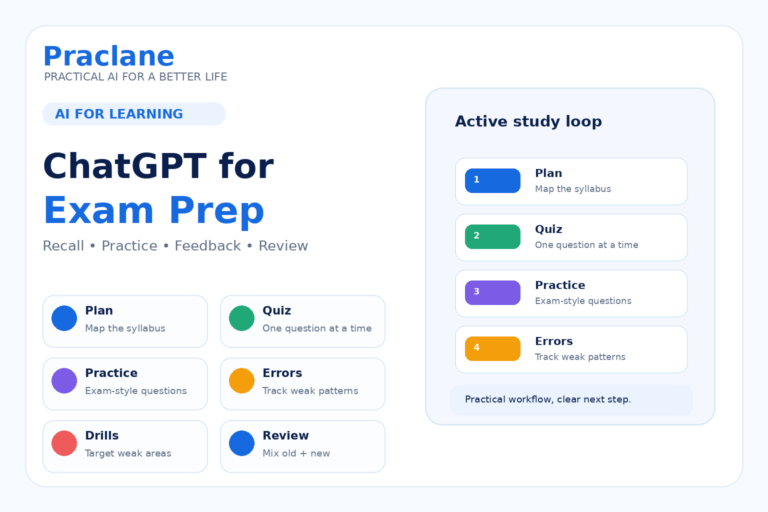
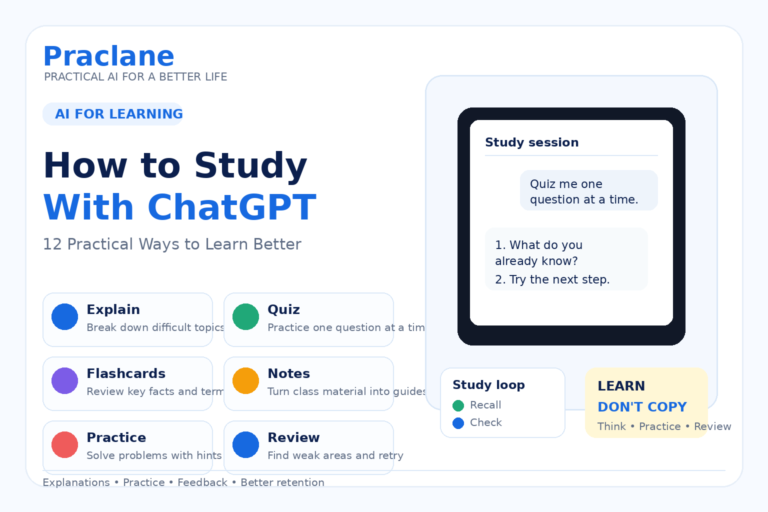
Quiz me one question at a time using these flashcards. Do not show the answer until I respond. After each answer, tell me whether I was correct, what I missed, and whether this topic should return later in the session. Increase difficulty when I answer correctly twice.
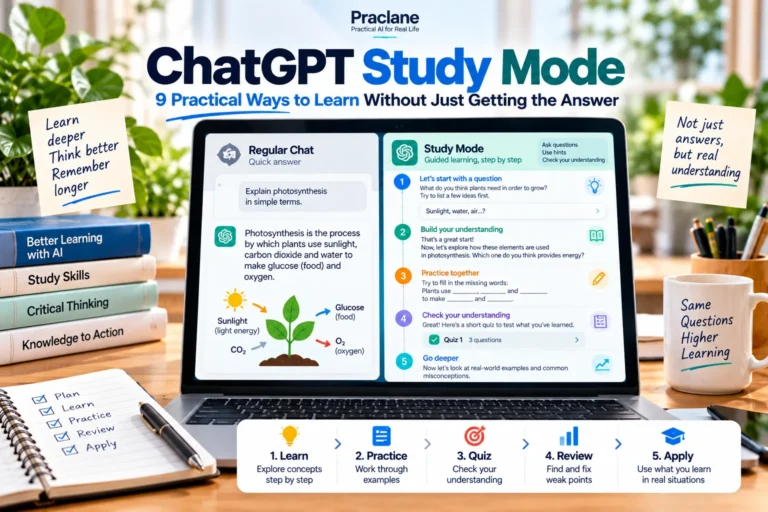
Study Mode is especially useful for this style because it is designed to guide thinking, ask questions, and check understanding rather than always giving the final answer immediately.
Step 5: Turn Mistakes Into a Weak-Topic List
Track every question I answer incorrectly or incompletely. Group mistakes by concept. At the end, give me a Weak Topics list with: concept, what I misunderstood, one corrected explanation, and one new practice question.
This is more useful than simply counting your score because it tells you what to review next.
Step 6: Ask for a Mixed Quiz
Create a 15-question mixed quiz from these materials. Use multiple choice only where the distractors can be realistic. Include short-answer, application, and explanation questions. Do not reveal the answers until I submit the full quiz. After grading, explain why each incorrect answer was wrong and link it back to the source section.
Ask ChatGPT to avoid obviously silly distractors. A multiple-choice question is only useful when the wrong answers reflect plausible misunderstandings.
Step 7: Create a Study Plan From the Weak Topics
I have [NUMBER] days before the exam and [TIME] minutes per day. Use my weak-topic list to create a study plan. Spend more time on weak and high-importance topics, include retrieval practice every day, and schedule at least one mixed review session before the exam. Keep the plan realistic and show the goal for each session.
Now the plan is based on what you actually struggled with instead of treating every chapter equally.
Use Study Mode When You Want Guidance, Not Just Cards
OpenAI says Study Mode is available across ChatGPT plans on web, iOS, and Android. It can explain concepts in layers, ask questions, create practice questions or flashcard-style review, and work with uploaded study materials.
If Study Mode is available in your interface, use it when you want ChatGPT to slow down, ask what you know, and guide you through difficult material. For broader Study Mode workflows, see our ChatGPT Study Mode guide.
A Better Flashcard Quality Check
Review these flashcards and remove weak cards. Flag any card that is ambiguous, tests two ideas at once, can be answered by wording clues, repeats another card, or asks about information not supported by my source material. Rewrite the weak cards.
What ChatGPT Should Not Do
- Invent facts that were not in your material when you asked for source-only review
- Turn every sentence into a flashcard
- Make cards so broad that one answer becomes a paragraph
- Show answers before you attempt retrieval
- Assume a generated explanation is correct without checking important material
- Do graded work for you when your course rules prohibit it
A 20-Minute Study Session
- 3 minutes: review the concept map.
- 10 minutes: answer flashcards one at a time.
- 4 minutes: redo weak-topic questions.
- 3 minutes: explain one difficult concept without looking at the answer.
Short, repeated retrieval sessions are often easier to sustain than one long session built around rereading notes.
Related Praclane Guides
- How to Study With ChatGPT
- ChatGPT for Exam Prep
- ChatGPT Study Mode
- Understand Difficult Texts With ChatGPT
Official Source
Using Study Mode in ChatGPT — OpenAI Help Center
Final Thoughts
The useful part of AI-generated flashcards is not speed alone. It is the ability to turn the same source material into multiple forms of retrieval practice, track weak areas, and adapt the next study session around what you actually do not understand yet.