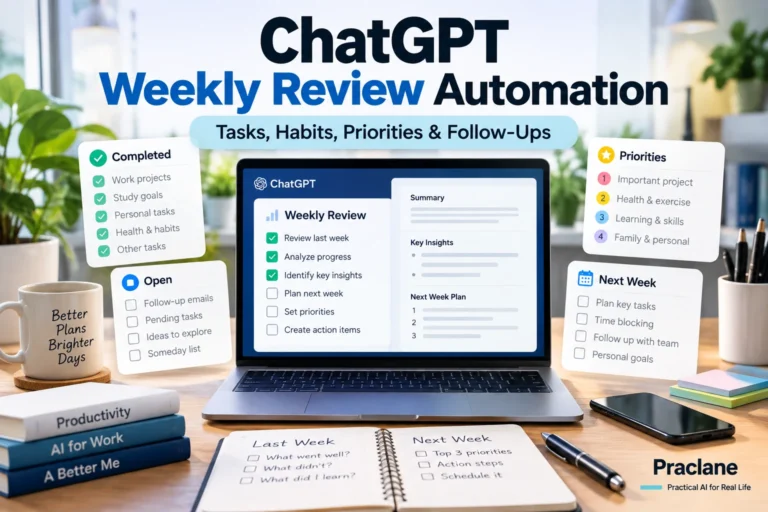
How to Use ChatGPT Projects and Scheduled Tasks Together: A Practical Workflow Guide
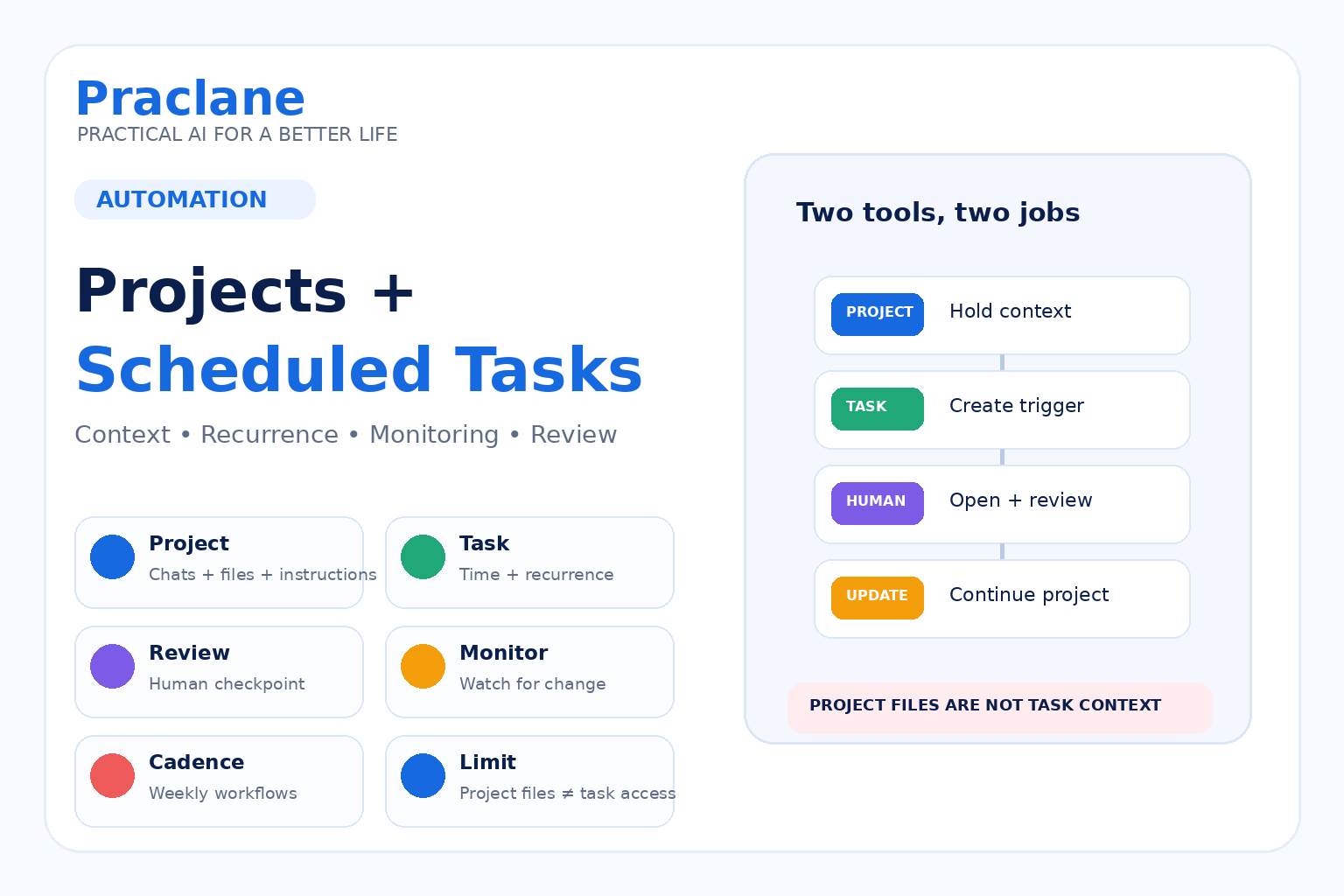
ChatGPT Projects and Scheduled Tasks solve two different problems.
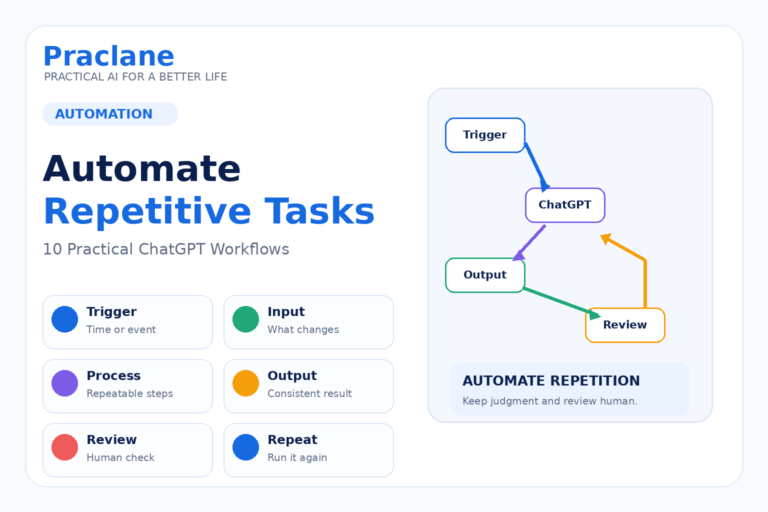
Projects help you keep long-running work organized with related chats, files, and instructions in one place. Scheduled Tasks help ChatGPT run something later, repeat it on a schedule, or monitor for a change.
Used together, they can support a practical workflow—but there is one important limitation: a scheduled task created inside a Project cannot access files uploaded to that Project.
This guide explains how to use ChatGPT Projects and Scheduled Tasks together without assuming they share the same context automatically.
For the individual features, see our Scheduled Tasks guide and automation workflows guide.
What Projects Are For
OpenAI describes Projects as workspaces for ongoing work. You can keep related chats together, upload reference files, and add project instructions so the work stays focused over time.
Projects are available across Free and paid ChatGPT plans, with collaboration and sharing features depending on plan and workspace.
See OpenAI’s current Projects documentation.
Use a Project when the context should persist across multiple related conversations.
What Scheduled Tasks Are For
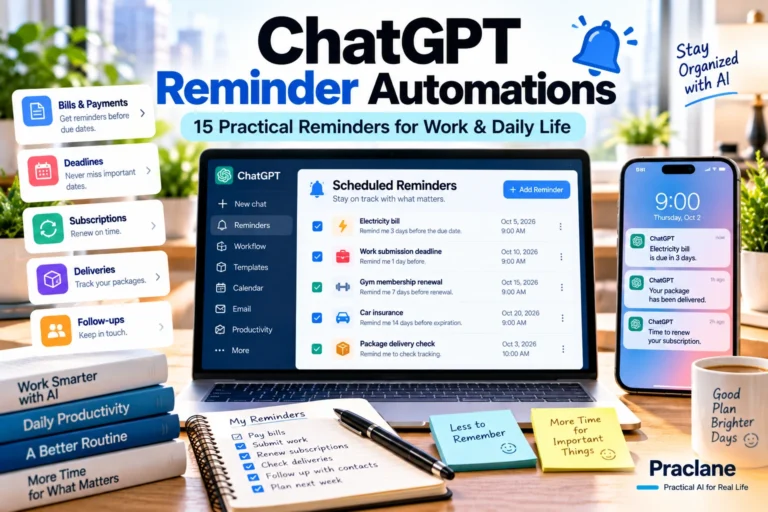
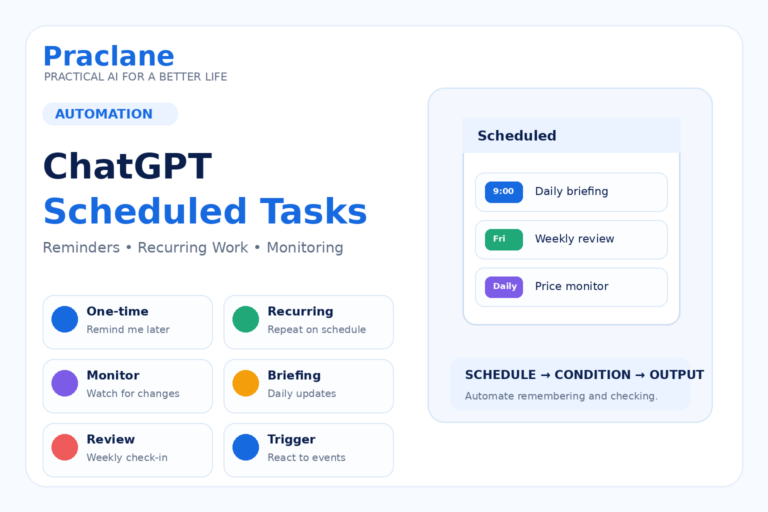
Scheduled Tasks can run one-time or recurring work, monitor for changes, and—when available—respond to supported external events. They are managed from the Scheduled page.
Current limits depend on the plan. Free and Go support fewer active tasks, while eligible paid plans support higher limits, exact times, and more frequent schedules.
See OpenAI’s current Scheduled Tasks documentation.
Use a Scheduled Task when the trigger is time, recurrence, or a defined change you want ChatGPT to check.
The Key Limitation: Project Files Are Not Available to Scheduled Tasks
This is the part that can cause confusion.
OpenAI currently states that if you create a task inside a Project, the task cannot access uploaded files or files stored in that Project.
That means you should not build a scheduled workflow that silently depends on Project files being available later.
Weak setup: Every Monday, review the PDF in this Project and send me a summary.
The task may not have access to the Project file when it runs.
Better setup: Every Monday, remind me to open the Project, review the latest source file, and update the weekly summary using this checklist: [checklist].
In this version, the task handles the reminder and the Project holds the context.
Workflow 1: Weekly Project Review
This is one of the cleanest ways to combine the two features.
- Create a Project for the ongoing work.
- Keep related chats, files, and project instructions there.
- Create a recurring task that reminds you to review the Project.
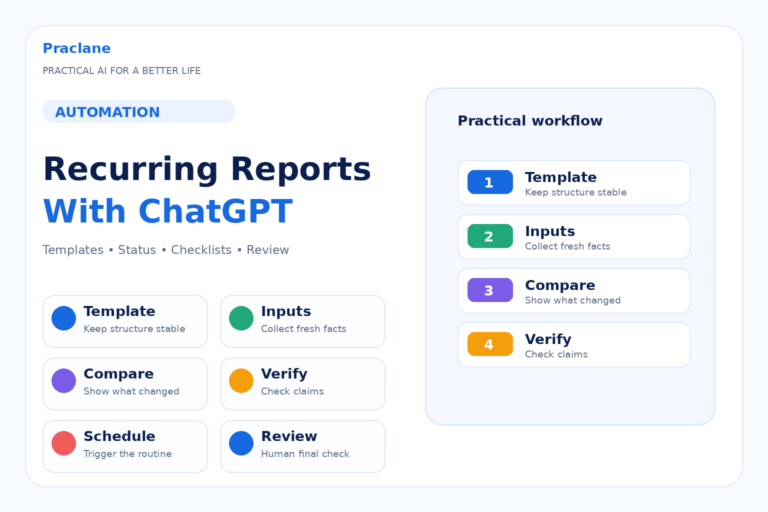
- Use a fixed checklist so the review is consistent.
- Update the Project manually with the new summary or decisions.
Every Friday afternoon, remind me to review my [project name] Project. Ask me to check: completed work, blockers, decisions, files that changed, next priorities, and anything that should move to next week.
Workflow 2: Content or Research Pipeline
A Project can hold the working context for a topic, while Scheduled Tasks keep the cadence moving.
Every Tuesday morning, remind me to open my Research Project, review the source list, identify one unresolved question, and decide what to research next.
The task does not need to read the files itself. It only needs to push you back into the workspace at the right time.
Workflow 3: Study Project + Recurring Review
You can keep class notes, study chats, and uploaded material in a Project, then use a task to trigger regular review sessions.
Every Sunday evening, remind me to open my Biology Project and run a 30-minute review. Checklist: weak topics, error log, unfinished chapters, practice questions, and next week’s study targets.
For more learning ideas, see our exam prep guide.
Workflow 4: Meeting or Client Project + Follow-Up Cadence
Keep meeting notes, drafts, and project context in a Project. Use Scheduled Tasks for follow-up reminders that do not depend on reading stored files automatically.
Every Monday morning, remind me to open the Client A Project and check overdue actions, pending decisions, unanswered emails, and the next meeting date.
For meeting workflows, see our ChatGPT meetings guide.
Workflow 5: Monitoring Outside the Project
Some scheduled tasks can monitor public information or supported connected apps directly. In that case, the task can run independently and you can later bring the result into the Project if it is relevant.
Check once per day for a meaningful update to [specific topic]. Use an official source first. Notify me only if [condition]. When I receive an update, I will add the result to my Project manually.
This keeps the monitoring logic separate from the Project’s file context.
A Simple Projects + Tasks Architecture
| Need | Use |
|---|---|
| Keep files, chats, and instructions together | Project |
| Continue work across multiple conversations | Project |
| Run a reminder later | Scheduled Task |
| Repeat a checklist every week | Scheduled Task |
| Monitor for a defined change | Scheduled Task |
| Use uploaded Project files during a scheduled run | Not currently supported |
A Better Prompt for Combining Them
I am using a ChatGPT Project for [ongoing work]. The Project contains [types of context]. Create a recurring task that helps me maintain the Project without assuming it can access Project files. The task should remind me to open the Project and review [checklist]. Schedule: [schedule]. Keep the output short and repeatable.
Common Mistakes
- Assuming a scheduled task can read Project files later.
- Putting all context into the task instead of keeping ongoing work in the Project.
- Creating too many reminders before proving the workflow is useful.
- Using a task when a simple Project checklist would be enough.
- Using a Project when the job is only a one-time reminder.
- Failing to define what should happen after a monitoring task finds something important.
Frequently Asked Questions
Can a Scheduled Task access files in a ChatGPT Project?
OpenAI’s current documentation says no. A task created in a Project cannot access uploaded files or files stored in that Project.
Can I create a task from inside a Project?
Yes, but the scheduled run should not depend on Project files being available. Use the task for reminders, recurring prompts, or monitoring that can run with the information explicitly available to the task.
Are Projects available on Free ChatGPT?
Yes. OpenAI currently lists Projects as available globally across Free and paid ChatGPT plans. Some collaboration and workspace features vary by plan.
Should I use Projects or Scheduled Tasks?
Use a Project for persistent context and organized ongoing work. Use a Scheduled Task when you need something to happen later, repeat, or monitor for a defined change.
Final Thoughts
Projects and Scheduled Tasks become much more useful when you stop expecting them to do the same job.
Let the Project hold the long-term context. Let the task provide the trigger. Connect them with a clear human review step.