15 ChatGPT Reminder Automations for Work and Daily Life
Most reminder systems fail for one of two reasons: the reminder is too vague, or it arrives at the wrong time. “Remember this later” is not enough. A useful reminder needs a clear trigger, the right timing, and an action you can actually take when it arrives.
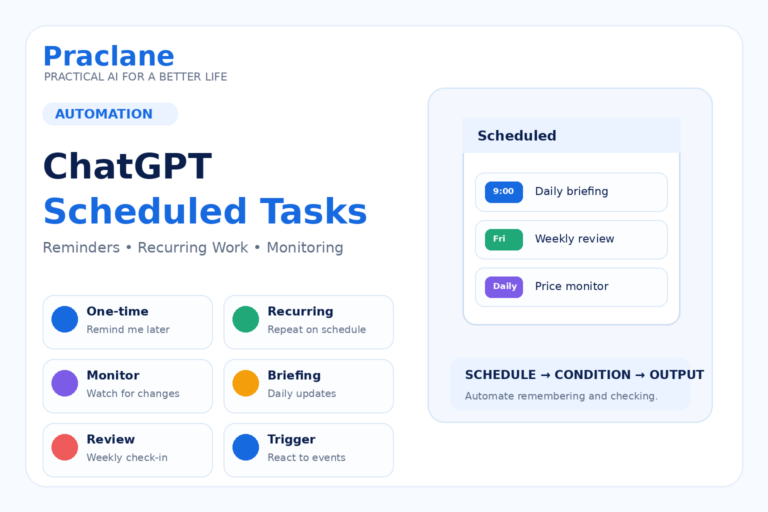
ChatGPT Scheduled Tasks can handle one-time reminders, recurring tasks, monitoring, and—on eligible accounts—supported app events. That makes it useful for much more than “remind me tomorrow.”
This guide gives you 15 practical ChatGPT reminder automations for work and everyday life, with copy-ready prompts you can adapt.
Before You Start: Use This Reminder Formula
Remind me to [ACTION] at [TIME / DATE / REPEAT RULE]. Include [CONTEXT I WILL NEED]. If the reminder depends on a changing condition, check [SOURCE OR CONDITION] and notify me only when [TRIGGER]. Do not notify me when nothing has changed.
The best reminder says what to do, when to do it, and what information should be included when the notification arrives.
1. Bill Payment Reminder
Remind me on the 24th of every month to review bills due before the end of the month. Ask me to check credit card, phone, utilities, insurance, and any subscription renewals before marking the task complete.
This is better than separate reminders for every bill when your real habit is one monthly finance review.
2. Subscription Renewal Check
Remind me 7 days before [SERVICE] renews on [DATE]. Include the current plan name and the amount I entered here: [AMOUNT]. Ask me whether I still use it enough to renew.
Use a lead time long enough to cancel or downgrade before the renewal actually processes.
3. Passport, License, or Document Renewal
Remind me 90 days before my [DOCUMENT] expires on [DATE]. Include a checklist to verify the current renewal requirements, required documents, fees, processing time, and whether an appointment is needed. Do not assume the requirements are unchanged.
For official documents, use the reminder to start the verification process rather than letting ChatGPT guess current rules.
4. Follow Up After Sending an Important Email
Remind me in 3 business days to follow up on the email I sent to [PERSON] about [TOPIC] if I have not received a response. Include a short follow-up draft that is polite and does not repeat the entire original message.
If your connected apps and task permissions support event-based workflows, a task may be able to respond to incoming email activity. Otherwise, use a simple scheduled reminder.
5. Weekly Inbox Cleanup
Every Friday afternoon, remind me to clear my work inbox. Give me a 15-minute checklist: reply, archive, convert to task, delegate, or delete. Keep the checklist short.
The value is not the reminder alone—it is having the tiny workflow attached to it.
6. Weekly Planning Reminder
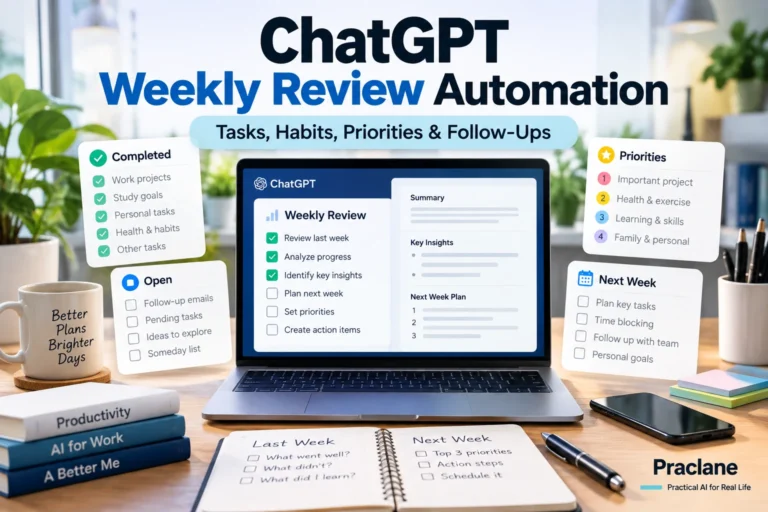
Every Sunday evening, remind me to review next week. Ask me for fixed appointments, deadlines, unfinished tasks, and personal commitments. Then help me choose three priorities and identify anything I should defer or delete.
For a more complete version, see our ChatGPT weekly review automation.
7. Monthly Budget Review
On the first weekend of every month, remind me to review last month’s spending. Ask me to compare fixed costs, variable spending, savings, unusual expenses, and upcoming large payments. Do not invent numbers I have not provided.
8. Vehicle Maintenance Reminder
Remind me on [DATE] to check whether my car is due for maintenance. Include the odometer reading I last provided: [KM/MILES]. Ask me to verify the manufacturer’s maintenance schedule before deciding what service is due.
This works well for inspections, tire rotations, seasonal checks, and service intervals, but the actual maintenance requirement should come from the vehicle’s official documentation or service provider.
9. Home Maintenance Reminder
Every three months, remind me to run a home maintenance check. Include air filters, smoke alarms, water leaks, drains, appliance cleaning, batteries, and any seasonal items I add later. Keep completed items out of the next reminder unless they are recurring.
10. Birthday and Gift Planning Reminder
Remind me 14 days before [NAME]’s birthday on [DATE]. Include the gift ideas and preferences I add to this conversation. Ask me whether I need to order, reserve, or ship anything early.
For birthdays that recur yearly, use a recurring schedule instead of recreating the reminder every year.
11. Travel Preparation Reminder
Seven days before my trip on [DATE], remind me to verify passport or ID, tickets, accommodation, airport transport, roaming or SIM setup, medication, chargers, weather, and any reservations. Mark anything that may have changed since booking as “recheck now.”
Pair the reminder with our ChatGPT travel planning guide if the trip itself still needs planning.
12. Delivery or Availability Monitoring
Check [TRACKING PAGE / PRODUCT PAGE / STATUS SOURCE] and notify me only when [PACKAGE IS DELIVERED / ITEM IS BACK IN STOCK / STATUS CHANGES]. If there is no meaningful change, do not notify me.
OpenAI’s current Scheduled Tasks documentation describes monitoring tasks that can check for changes and notify you when something relevant happens. Availability depends on the task, plan, app, and connected sources.
13. Price or Policy Check
Every Monday morning, check the official page for [PRICE / POLICY / FEE]. Notify me only if the published value or rule changed from the previous check. Include the old value, new value, date checked, and official source.
This is useful when a change matters but a daily summary would create unnecessary noise.
14. Project Deadline Check
Every weekday morning until [DEADLINE], remind me of the three most important remaining actions for [PROJECT]. Use only the status I provide in this chat. Remove completed items and flag anything that is now at risk of missing the deadline.
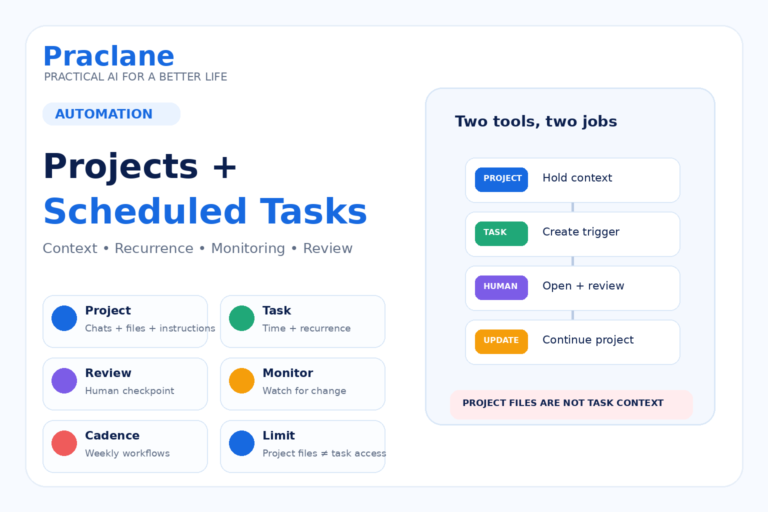
Note that a scheduled task created inside a Project cannot currently access files uploaded to or stored in that Project, according to OpenAI’s documentation. Build the workflow around the data the task can actually access.
15. “Check Again Later” Reminder for a Decision
Remind me on [DATE] to revisit this decision. Include the assumptions I am making today, what information I expect to know by then, and the three questions I should answer before making the final choice.
This is useful for purchases, job decisions, travel plans, contracts, and other choices where waiting for new information is part of the decision.
Schedule vs Monitoring vs Event Trigger
| Type | Use It When | Example |
|---|---|---|
| One-time schedule | You know the exact future date | Renew passport in 90 days |
| Recurring schedule | The process repeats | Weekly planning every Sunday |
| Monitoring | You care only when something changes | Price, delivery, or status change |
| Event-triggered task | A supported connected-app event should trigger work | React to eligible Gmail, Slack, or GitHub activity |
Current Scheduled Task Limits to Know
OpenAI’s current documentation says active-task limits depend on plan. Free and Go have lower limits, while eligible paid plans allow more active tasks and more precise scheduling. Event-triggered tasks are available only on eligible plans and supported connected apps.
Do not build a critical workflow around a schedule or integration until you confirm that your current account, app, and workspace support it.
How to Make Reminder Prompts Better
- State the action, not just the topic.
- Include the exact date, time, or recurrence rule when it matters.
- Add the context you will need when the reminder arrives.
- For monitoring, tell ChatGPT not to notify you when nothing changed.
- Use official sources when the reminder depends on current rules, prices, or deadlines.
- Set a clear stopping condition for temporary monitoring tasks.
Official Source
Scheduled tasks in ChatGPT — OpenAI Help Center
If one of your recurring reminders is a monthly money check, use our ChatGPT monthly budget planning guide to organize bills, spending, savings goals, and end-of-month reviews.
Final Thoughts
A good reminder does not simply interrupt you. It arrives with the right context and the next action already defined. That is where ChatGPT Scheduled Tasks become more useful than a basic alarm.