How to Use ChatGPT for Recurring Reports: Weekly Updates, Status Reports, and Checklists
Read this guide in
Recurring reports are repetitive by design. The structure stays similar, but the inputs change every day, week, or month.
That makes them a good candidate for ChatGPT—especially when you separate the stable report template from the changing facts.
This guide shows how to use ChatGPT for recurring reports, including weekly updates, status reports, checklists, review summaries, and scheduled reminders.
For the scheduling feature itself, see our ChatGPT Scheduled Tasks guide. For longer-running workspaces, see how to use ChatGPT Projects.
The Main Rule: Separate the Template From the Data
A recurring report usually has two parts:
- Stable structure: headings, questions, metrics, tone, audience, and output format.
- Changing inputs: this week’s progress, numbers, blockers, incidents, decisions, and next steps.
Automate the structure first. Treat the changing facts as inputs that still need to be supplied or verified.
1. Define the Report Audience and Purpose
This report is for [audience]. Its purpose is [purpose]. Help me define the minimum information they need to make decisions. Separate essential sections from optional detail.
A manager update, client report, team handoff, and personal weekly review should not use the same level of detail.
2. Build a Reusable Report Template
Create a reusable weekly report template with these sections: Summary, Completed, In Progress, Metrics, Blockers, Decisions Needed, Risks, and Next Week. Keep each section concise and use bullets where possible.
Once the structure works, save it somewhere stable so you do not redesign the report every week.
3. Create an Input Checklist
Before writing the report, ask me for the minimum inputs you need. Use a checklist and do not draft the final report until I answer or mark an item Not available.
This reduces the risk of ChatGPT filling gaps with assumptions.
4. Turn Raw Notes Into the Report
Use this report template: [template]. Here are this week’s raw notes: [notes]. Convert them into the report without inventing missing facts. Mark unclear claims as Needs verification.
This is often the simplest useful automation: you keep gathering the facts, while ChatGPT repeatedly turns them into a consistent format.
5. Compare This Period With the Previous One
Compare this week’s data with last week’s report. Highlight material changes only: progress, regressions, new blockers, resolved blockers, metric movement, and changed priorities. Do not describe a change if the evidence is unclear.
Trend comparison is more useful than repeating the same status in a different sentence.
6. Add a Verification Pass
Audit this report before I send it. List every number, date, owner, deadline, claim of completion, and statement about risk. Mark each one Verified, Needs confirmation, or Missing source based on the information I provided.
For a broader checking process, use our AI verification guide.
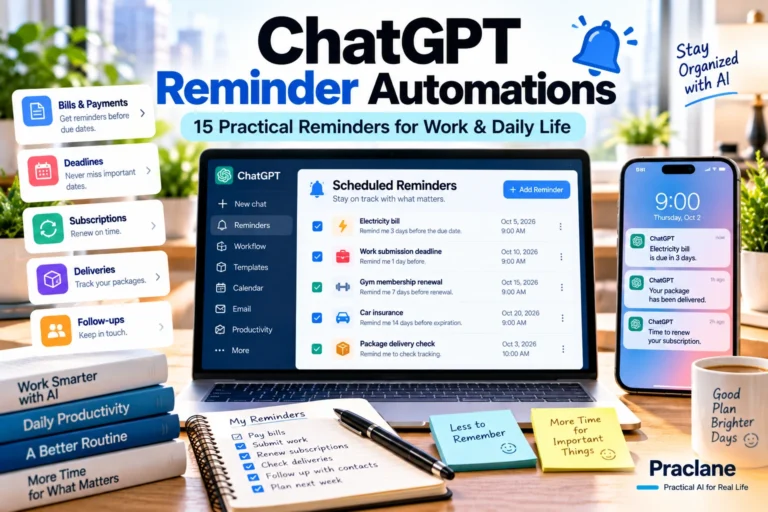
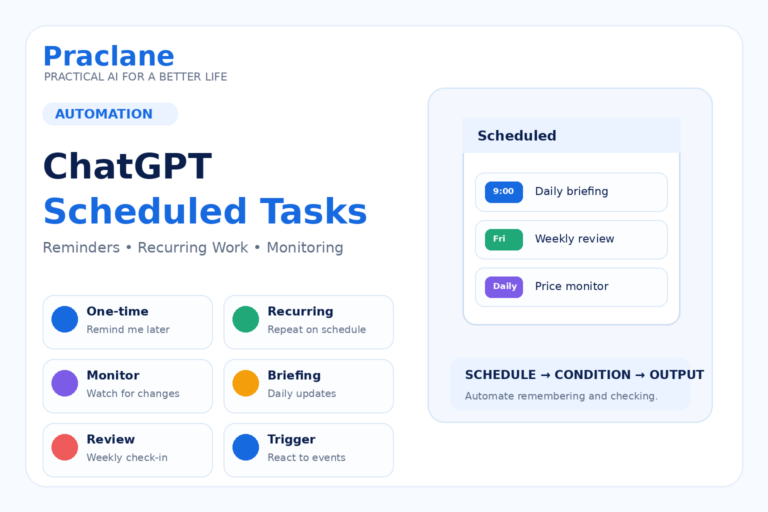
7. Create a Scheduled Reminder for the Reporting Routine
Check the current OpenAI Scheduled Tasks documentation for scheduling options available to your account and workspace.
Every Friday afternoon, remind me to prepare my weekly status report. Ask me for Completed, In Progress, Metrics, Blockers, Decisions Needed, Risks, and Next Week. Do not create facts I have not provided.
Schedule options and notifications depend on your account and workspace. Check Scheduled for the options available to you and confirm the saved time zone.
8. Use Monitoring Only When the Trigger Is Clear
Monitoring tasks can check for changes and notify you when a relevant update appears. This is useful when the report depends on a defined event rather than a fixed calendar time.
Monitor [public source or supported connected source] for [specific change]. Notify me only if [clear condition] happens. When it does, summarize what changed, include the source, and explain what part of my recurring report may need updating.
A monitoring task works best when the change condition is narrow enough to avoid constant low-value notifications.
9. Keep Project Context and Scheduled Runs Separate
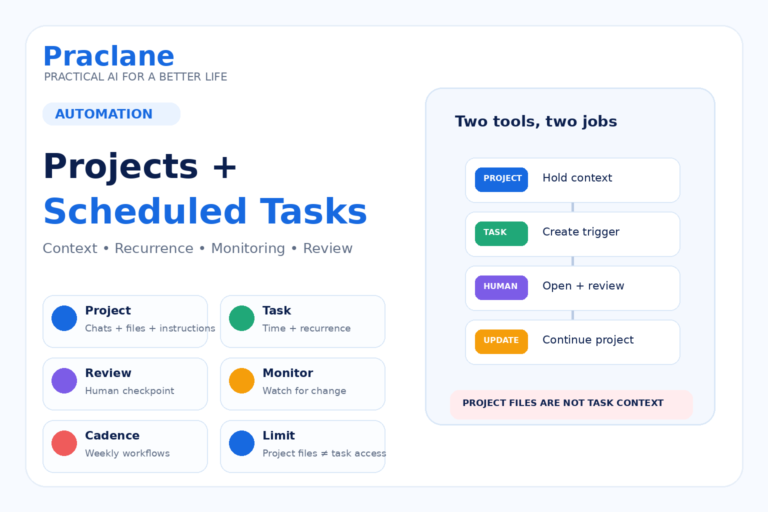
Projects are useful for storing ongoing context, report templates, chats, and reference files. Scheduled Tasks are useful for the recurring trigger.
OpenAI now documents that web scheduled tasks can use uploaded files and connected tools available to the chat. Check which sources are actually available to each scheduled run.
That means a scheduled run should not assume it can automatically read the latest Project file. Build a human handoff into the workflow when the report depends on files or data that change.
Our Projects and Scheduled Tasks guide explains this architecture in more detail.
10. Create a Final Human Review Checklist
Before this recurring report is considered final, create a six-item human review checklist covering facts, numbers, dates, confidential information, decisions, and recipient relevance.
Recurring reports become dangerous when repetition creates false confidence. A short review step protects against sending last week’s assumption as this week’s fact.
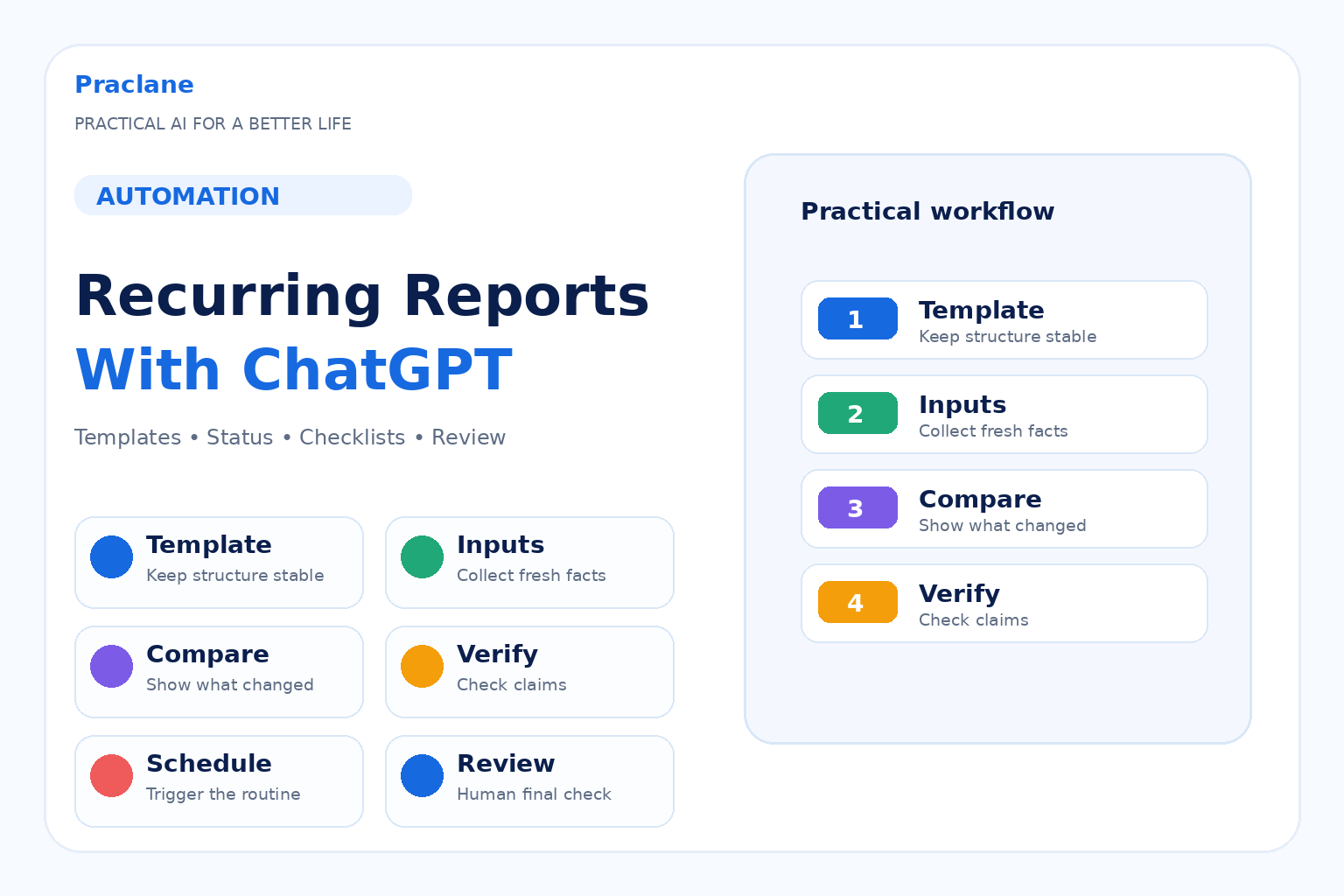
Example: Weekly Project Status Workflow
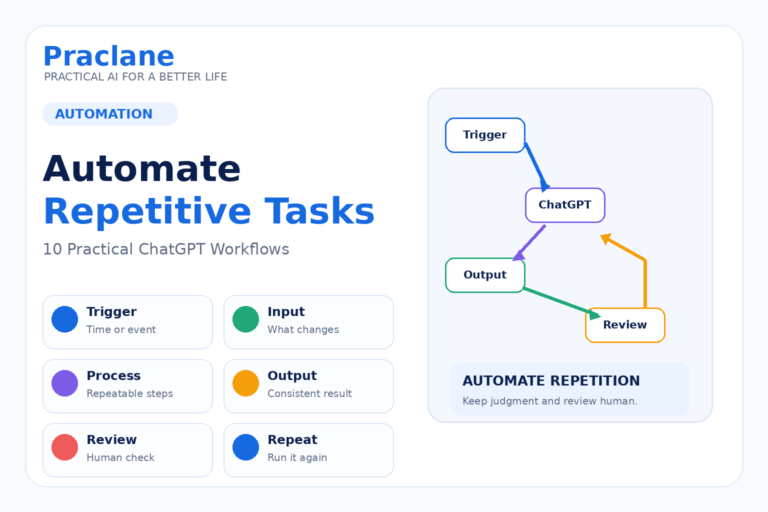
- Keep a stable report template.
- Collect raw notes and metrics during the week.
- Use a recurring reminder to trigger the reporting process.
- Provide the current week’s inputs.
- Ask ChatGPT to format the update.
- Compare it with the previous report.
- Run the verification prompt.
- Review and send the final version yourself.
A Reusable Recurring-Report Prompt
Create my recurring [daily/weekly/monthly] report using this template: [template]. Current inputs: [inputs]. Previous report: [previous report]. Highlight material changes, preserve important metrics, flag missing information, and do not invent owners, dates, numbers, or completed work. End with Decisions Needed and Next Actions. Then give me a verification checklist before I send it.
Common Recurring-Report Mistakes
- Redesigning the report every cycle instead of keeping a stable template.
- Letting ChatGPT fill missing fields with plausible assumptions.
- Repeating status without showing what changed.
- Using automation without a final human review.
- Sending confidential data without checking workplace rules.
- Creating monitoring tasks with vague trigger conditions.
- Assuming a Scheduled Task can automatically read current Project files.
Frequently Asked Questions
Can ChatGPT create a weekly status report?
Yes. A practical workflow is to keep a stable template, provide the current week’s notes and metrics, then ask ChatGPT to format, compare, and verify the report.
Can ChatGPT remind me to create the report every week?
Yes, when Scheduled Tasks are available for your account. Current scheduling options and active-task limits vary by plan and workspace.
Can a Scheduled Task automatically use files in a ChatGPT Project?
File access depends on the task environment and available sources. Test the first run with the required file and verify that its contents are current; do not assume an older upload contains this week’s data.
Should I automate the whole reporting process?
Usually it is safer to automate the repeatable structure and trigger while keeping fact collection, verification, and final approval as explicit steps.
Final Thoughts
Recurring reports are a strong automation use case because the structure repeats even when the facts change.
Standardize the template, collect fresh inputs, automate the trigger, compare what changed, verify the facts, and keep a human final review.