How to Automate a Weekly Review With ChatGPT: Tasks, Habits, Priorities, and Follow-Ups
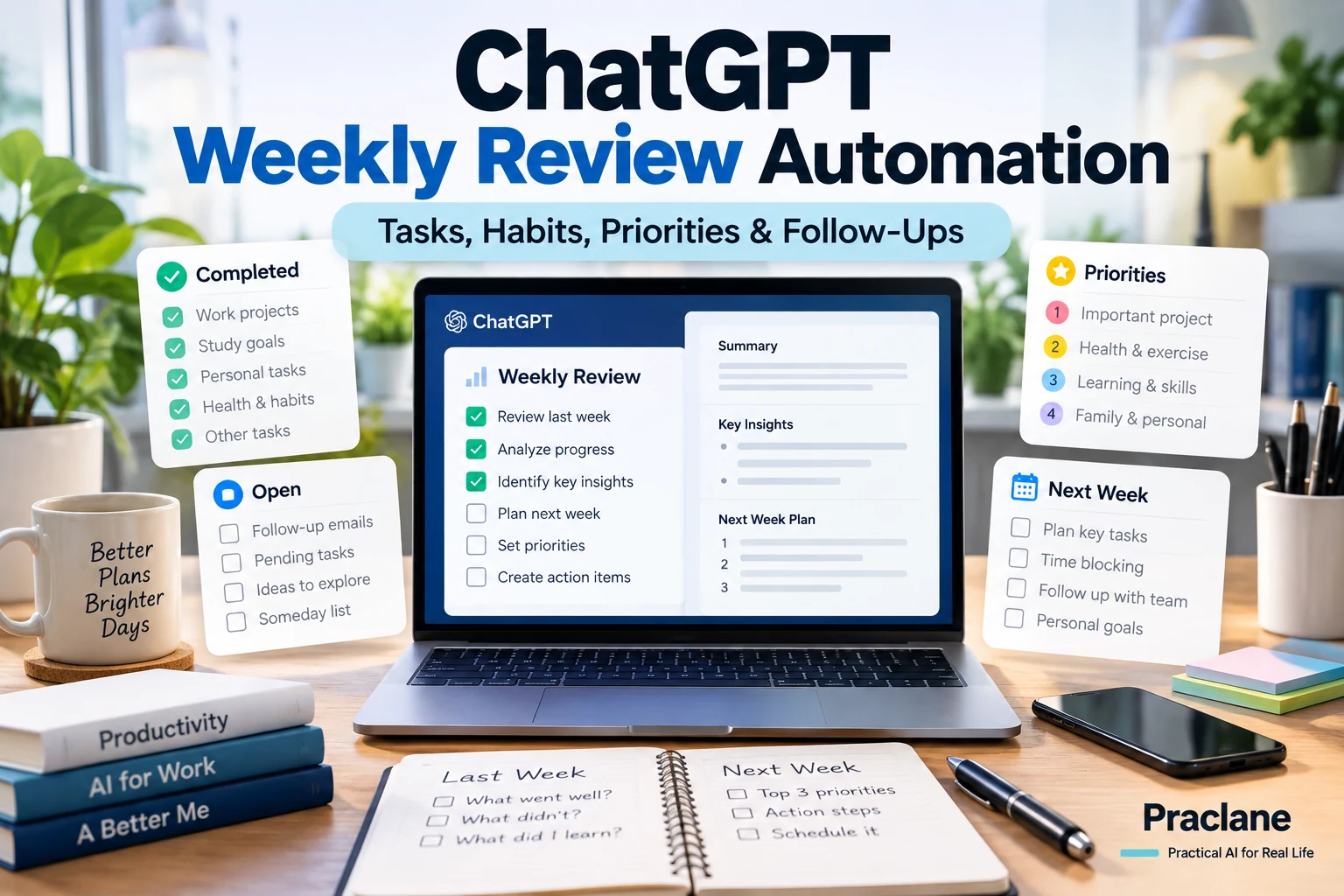
A weekly review is useful because it forces you to stop reacting and look at the whole week: what was completed, what slipped, what changed, and what matters next. The problem is that most weekly reviews become another task you have to remember to do.
ChatGPT can make the process much lighter. You can use it manually as a reusable checklist, or turn the same workflow into a scheduled task when that feature is available on your account.
This guide shows how to build a ChatGPT weekly review automation that is practical for work and everyday life without turning your planning system into something complicated.
What a Good Weekly Review Should Answer
- What did I finish?
- What did I postpone or forget?
- What changed during the week?
- Which commitments are still open?
- Which habits or routines are slipping?
- What are the three most important priorities for next week?
- What should I stop, delegate, reschedule, or simplify?
The goal is not to create a beautiful report. It is to reduce mental clutter and start the next week with a small number of clear decisions.
The Basic Weekly Review Prompt
Help me run my weekly review. I will give you my completed tasks, unfinished tasks, important events, notes, habits, and next-week commitments. Organize them into: 1) Wins, 2) Unfinished or delayed items, 3) Important changes, 4) Risks or deadlines, 5) Habits and routines that need attention, 6) Top three priorities for next week, and 7) Tasks I should delete, delegate, reschedule, or simplify. Do not invent missing information. Ask me for anything essential before finalizing the review.
You can reuse this manually every Friday or Sunday. If you already keep notes in one place, paste them below the prompt and let ChatGPT structure the review.
Step 1: Decide What Inputs Matter
A weekly review is only as useful as its inputs. Do not feed ChatGPT everything. Choose a small set of sources that represent the week.
| Input | What to Capture |
|---|---|
| Task list | Completed, unfinished, overdue, delegated |
| Calendar | Important meetings, appointments, deadlines |
| Notes | Decisions, ideas, unresolved questions |
| Habits | What you intended to do vs what actually happened |
| Next week | Known commitments and fixed deadlines |
If you use connected apps, scheduled tasks may be able to use supported sources depending on your account and permissions. If not, a short manual input works perfectly well.
Step 2: Separate Facts From Interpretation
One of the easiest ways for a weekly review to become unhelpful is to mix factual status with guesses.
Separate what is confirmed from what you infer. If a task is overdue, state that it is overdue. Do not assume why it was delayed unless I told you.
This keeps the review grounded and makes the next-step recommendations easier to trust.
Step 3: Force Prioritization
If your weekly review produces 17 priorities, it failed. Ask ChatGPT to rank only the few items that matter most.
Choose only three priorities for next week. Rank them by consequence of delay, deadline urgency, and expected impact. Explain each choice in one sentence.
This turns a review into a decision instead of another long list.
Step 4: Add a “Stop Doing” Section
Weekly planning often adds work but rarely removes it. A useful automation should actively look for low-value commitments.
Identify anything that has been repeatedly postponed, produces little value, duplicates another task, or can be simplified. Put those items under Delete, Delegate, Defer, or Simplify.
This section is often more valuable than adding another productivity technique.
Step 5: Turn It Into a Scheduled Task
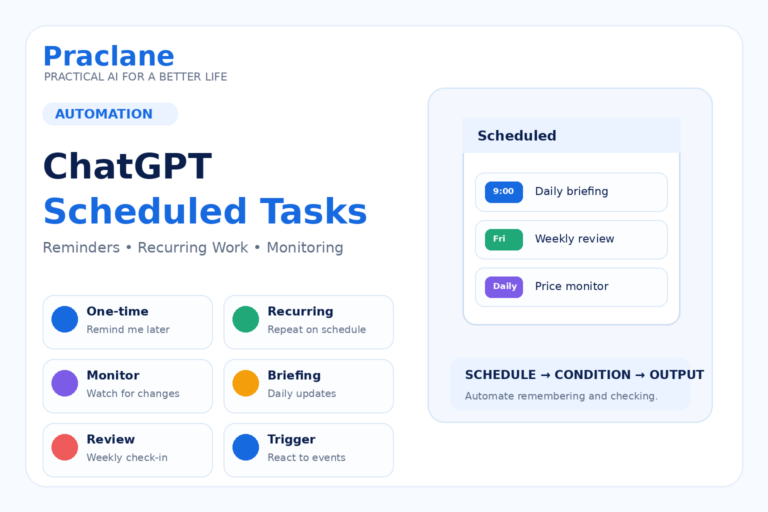
OpenAI’s current Scheduled Tasks feature can run one-time or recurring tasks and, on eligible plans, monitoring tasks that notify you when a relevant change occurs. Availability and frequency depend on your account, app, and workspace.
A simple weekly review task could be:
Every Sunday evening, send me a weekly review. Ask me for any missing inputs you need, then summarize wins, unfinished tasks, deadlines, habit issues, and the three highest priorities for the coming week. Keep the review concise and end with Delete, Delegate, Defer, or Simplify.
If your task can access supported connected apps, specify exactly which sources it should use and what it must not change. If approval is required for an external action, the task may pause for your review.
A Stronger Version for Work
Run my weekly work review. Use only the information I provide or approved connected sources. Create sections for Completed, In Progress, Blocked, Waiting on Others, Deadlines Next Week, Decisions Needed, and Top Three Priorities. For every blocked item, identify the next concrete action and owner if known. Separate facts from assumptions. Do not send messages, modify files, or change external systems.
This works well when the weekly review is partly a status report and partly a planning session.
A Stronger Version for Personal Life
Run my personal weekly review. Review the notes I give you about errands, appointments, spending reminders, exercise, study, household tasks, and family commitments. Show what was completed, what is still open, what must happen next week, and what can be dropped. Pick three realistic priorities and suggest one small improvement to make next week easier. Do not turn every unfinished item into a priority.
Use a Weekly Scorecard Only When It Helps
A scorecard can be useful for a few repeated behaviors, but avoid scoring everything.
| Area | Simple Review Question |
|---|---|
| Sleep | Was my sleep schedule mostly consistent? |
| Exercise | Did I complete the planned sessions? |
| Study | Did I spend focused time on the planned topic? |
| Admin | Are any bills, forms, appointments, or renewals overdue? |
| Relationships | Is there anyone I need to follow up with? |
Use the scorecard to notice patterns, not to manufacture guilt.
A 10-Minute Weekly Review Workflow
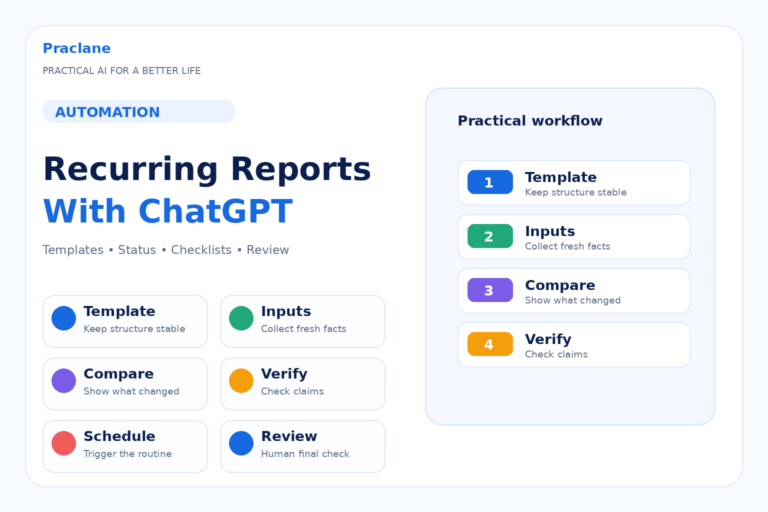
- Collect your task list, calendar notes, and loose reminders.
- Paste only the items that matter.
- Ask ChatGPT to separate completed, open, blocked, and upcoming items.
- Verify dates and commitments.
- Choose three priorities.
- Delete or defer low-value items.
- Schedule the review to repeat if the process is working.
Common Mistakes
- Automating the review before you know what information you actually need
- Letting ChatGPT invent reasons why tasks were delayed
- Keeping too many priorities
- Adding new tasks without removing old ones
- Using sensitive connected data without checking permissions
- Assuming a scheduled task can access every file or project automatically
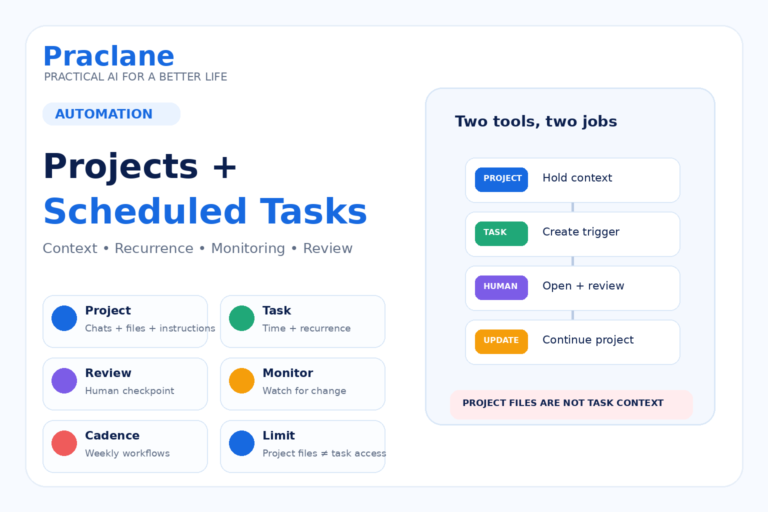
OpenAI currently notes that a scheduled task created in a Project cannot access files uploaded to or stored in that Project. Check current product documentation before building a workflow that depends on file access.
Related Praclane Guides
- ChatGPT Scheduled Tasks
- Plan Your Week With ChatGPT
- ChatGPT for Habits and Routines
- Projects + Scheduled Tasks
Official Source
Scheduled tasks in ChatGPT — OpenAI Help Center
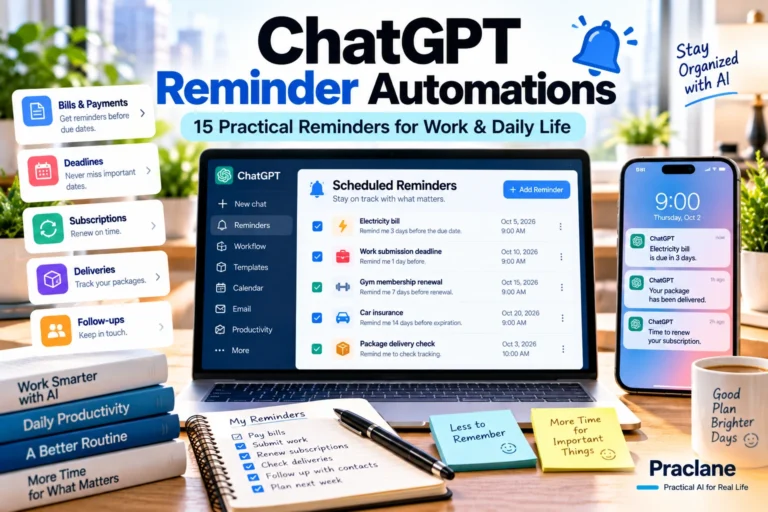
If you want smaller recurring reminders alongside your weekly review, use our ChatGPT reminder automation examples.
Final Thoughts
The best weekly review automation is not the one with the most data. It is the one that reliably turns a messy week into a few clear decisions for the next one.