How to Use ChatGPT Scheduled Tasks: Reminders, Recurring Work, and Monitoring
Learn how to use ChatGPT Scheduled Tasks for reminders, recurring updates, monitoring, and repeatable workflows, including current plan limits and practical examples.

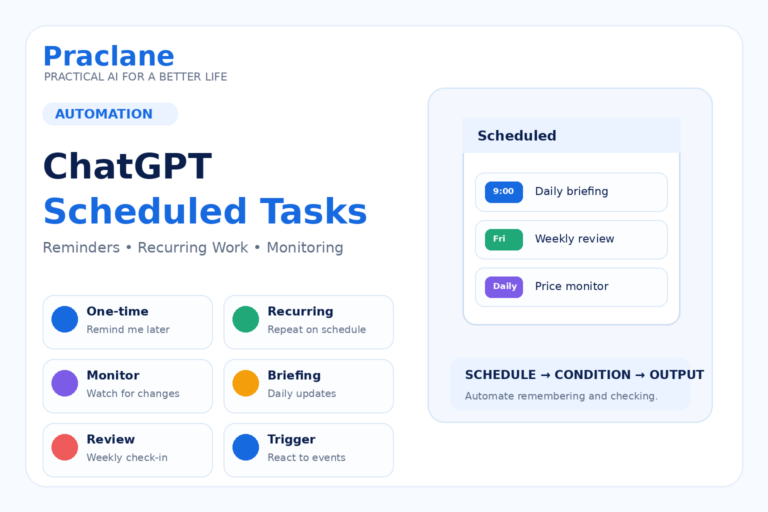
Learn how to use ChatGPT Scheduled Tasks for reminders, recurring updates, monitoring, and repeatable workflows, including current plan limits and practical examples.
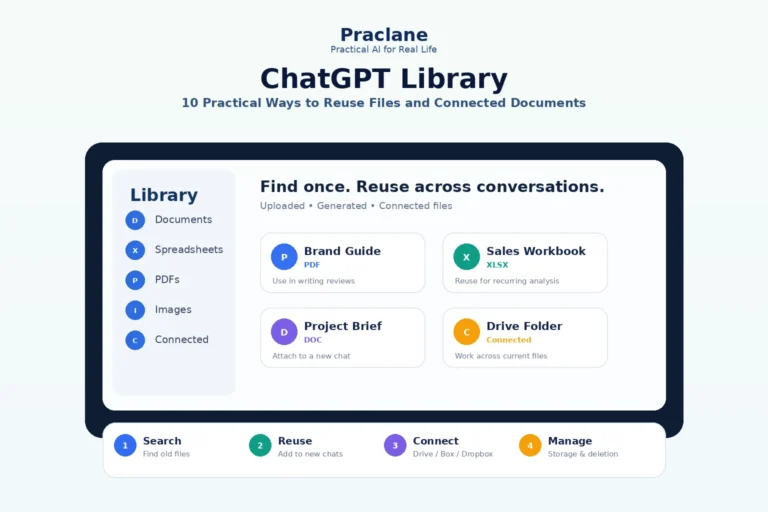
Learn how to use ChatGPT Library to find and reuse files, manage storage, work with connected Drive, Box, Dropbox, and SharePoint content, and avoid re-uploading the same sources.

Learn how to use ChatGPT for Word to draft documents, rewrite sections, create summaries, improve structure, review terminology, and perform final quality checks.
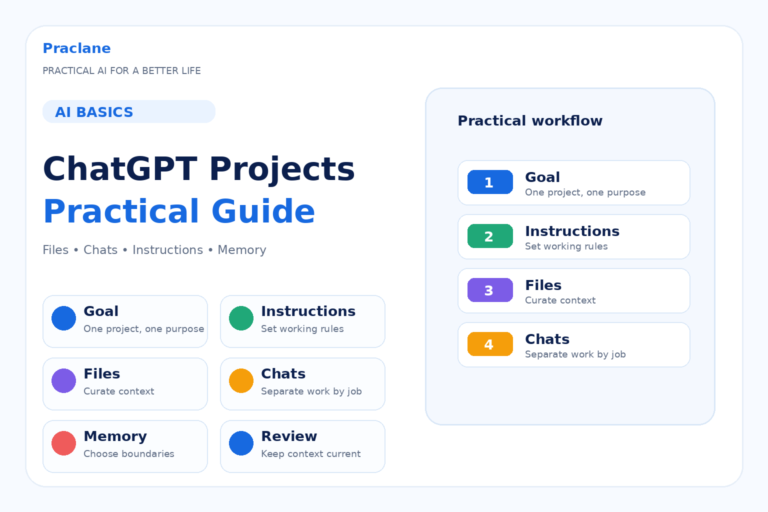
Learn how to use ChatGPT Projects to organize related chats, files, instructions, memory, research, and long-running work in one reusable workspace.
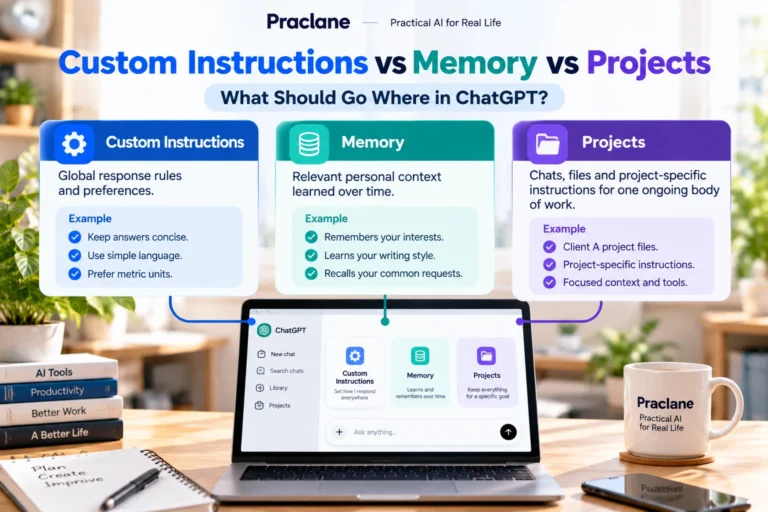
Learn the difference between ChatGPT Custom Instructions, Memory, and Projects, what information belongs in each, and how to avoid duplicated or conflicting context.
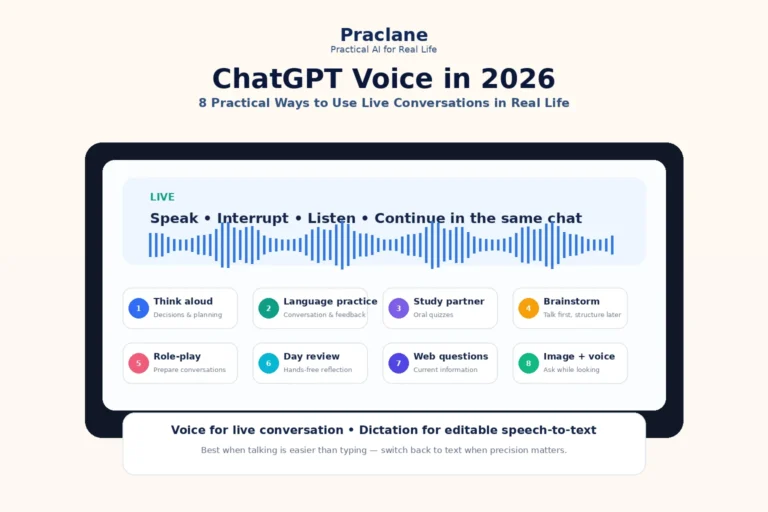
Learn how to use ChatGPT Voice for thinking, language practice, studying, brainstorming, role-play, daily reviews, web questions, and image-based conversations.

Learn seven practical ChatGPT Images 2.5 editing workflows for text changes, object removal, background edits, aspect ratios, transparent backgrounds, sketches, and iterative revisions.

Compare ChatGPT on the web, desktop, and mobile through nine real scenarios and learn which surface fits quick questions, deep work, voice, files, and agentic tasks.
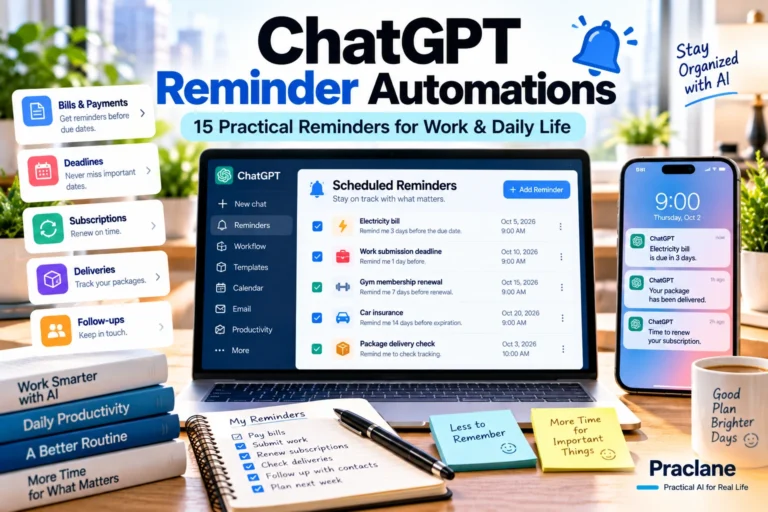
Set up practical ChatGPT reminder automations for bills, deadlines, renewals, routines, follow-ups, deliveries, and recurring reviews with copy-ready task prompts.

Build a practical ChatGPT weekly review that summarizes what changed, identifies unfinished tasks, checks habits and priorities, and prepares the next week automatically.