ChatGPT Planning Prompt Template: Turn Any Goal Into a Realistic Step-by-Step Plan
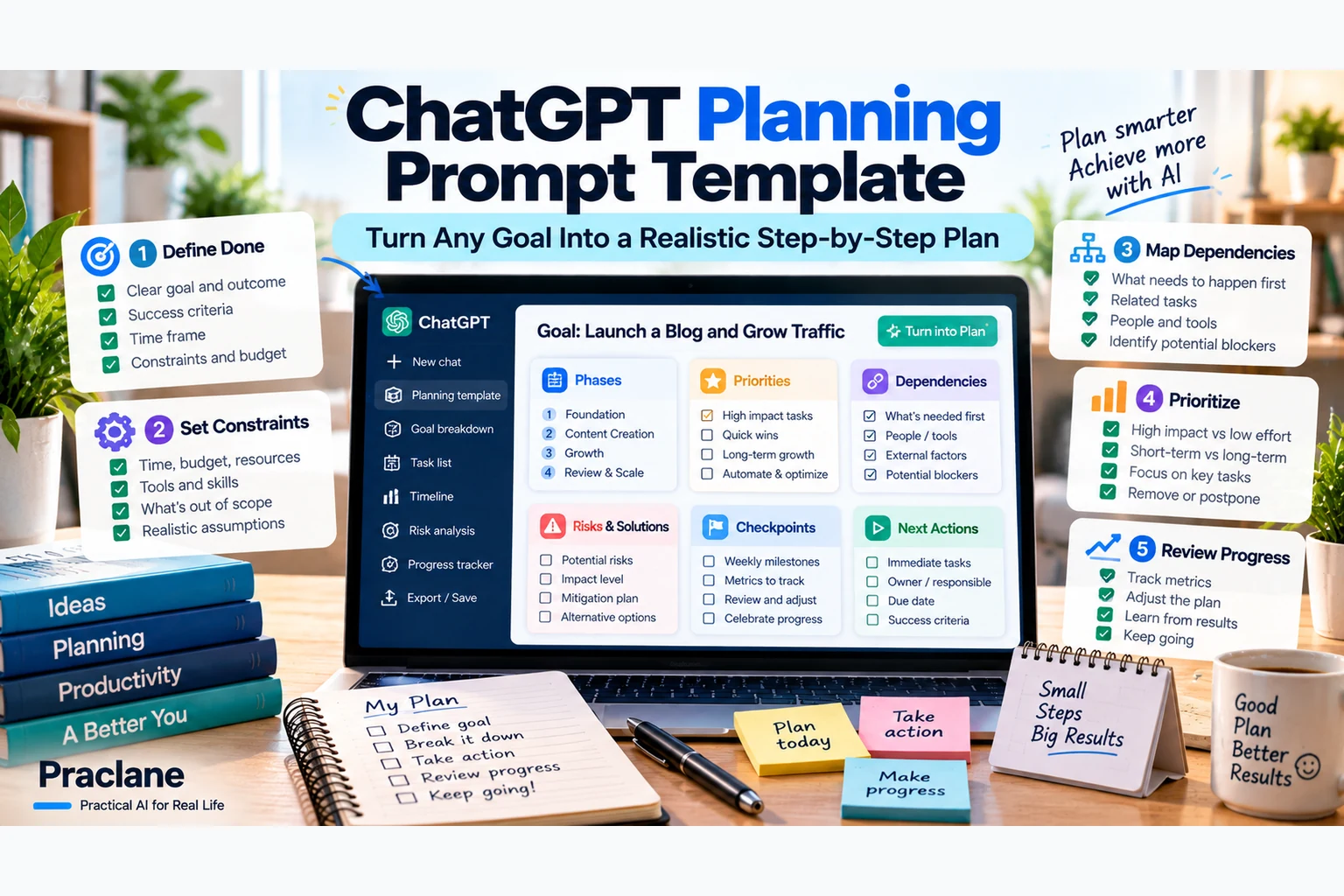
“Make me a plan” usually produces something that looks organized but is not necessarily usable. A useful plan needs more than a list of steps. It needs a clear outcome, constraints, dependencies, priorities, deadlines, risks, checkpoints, and a first action you can actually take.
This ChatGPT planning prompt template is designed to turn a vague goal into a realistic action plan without pretending that missing information is known.
Copy-Paste ChatGPT Planning Prompt
GOAL
I want to achieve: [GOAL].
DEFINITION OF DONE
I will consider this complete when: [SPECIFIC OUTCOME].
CONTEXT
Current situation: [WHERE I AM NOW].
Deadline or target date: [DATE].
Time available: [HOURS / DAYS / WEEK].
Budget/resources: [BUDGET / TOOLS / PEOPLE].
Constraints: [LIMITS, RULES, MUST-HAVES, MUST-NOT-HAVES].
PLANNING RULES
1. Do not jump straight to a generic task list. First identify missing information that would materially change the plan.
2. Break the goal into phases, then break each phase into concrete actions.
3. Show dependencies: which tasks must happen before others can start.
4. Separate Must Do, Should Do, and Optional tasks.
5. Estimate effort or time ranges when reasonable, but clearly label estimates.
6. Identify the biggest risks, bottlenecks, and assumptions.
7. If a task depends on current rules, prices, schedules, availability, or external facts, tell me what must be verified rather than guessing.
8. Keep the plan realistic for the time and resources I gave you.
9. Do not overload the first week or first phase. Prioritize the highest-leverage actions.
OUTPUT
Give me:
1. A one-paragraph plan summary.
2. A phased roadmap.
3. A table with Task, Priority, Dependency, Effort, Deadline, and Status.
4. The three biggest risks and how to reduce them.
5. Milestones or checkpoints where I should reassess the plan.
6. The next three actions I should take now.
7. A “Verify Before Acting” section for anything uncertain or time-sensitive.
MY GOAL
[PASTE THE ACTUAL GOAL HERE]
Why This Works Better Than “Make Me a Plan”
- It defines what success looks like.
- It prevents the model from assuming unlimited time or money.
- It makes task dependencies visible.
- It separates essential tasks from optional ideas.
- It makes estimates and assumptions explicit.
- It builds checkpoints into the plan so you can adjust.
- It ends with immediate actions instead of a document you never use.
OpenAI’s current prompting guidance recommends clear, specific instructions, relevant context, and a defined output. Planning benefits from all three because vague context leads to vague priorities.
Step 1: Define “Done”
A goal like “learn Spanish” is too broad for a useful plan. A definition of done makes the plan measurable.
Goal: Improve my Spanish.
Definition of done: In 12 weeks, hold a 15-minute everyday conversation about work, food, travel, and family without switching to English more than twice.
Now ChatGPT can plan toward a concrete capability rather than an undefined aspiration.
Step 2: Add Real Constraints
I have 45 minutes on weekdays, two hours on Sunday, and a monthly budget of $30. I cannot study during work hours. I prefer speaking practice over grammar worksheets.
Constraints are not a problem. They are what make the plan useful.
Step 3: Ask for Dependencies
Plans often fail because a task appears on the list before its prerequisite is ready.
For every task, identify whether another task must happen first. If two tasks can run in parallel, say so.
This matters for moving, job searches, websites, study plans, events, renovations, travel, and almost any multi-step project.
Step 4: Force Prioritization
| Priority | Meaning |
|---|---|
| Must Do | The plan fails without it |
| Should Do | Important, but can move if needed |
| Optional | Useful only if time/resources allow |
If the plan does not fit my available time, remove or defer Optional work before compressing Must Do tasks unrealistically.
Step 5: Add Risks and Assumptions
List the three assumptions most likely to make this plan fail. For each one, tell me how I can test it early and what the fallback plan should be.
This turns risk management into part of planning rather than something you discover after the deadline moves.
Step 6: Build Checkpoints
Add checkpoints at 25%, 50%, and 75% of the timeline. At each checkpoint, tell me what evidence would show the plan is on track, behind, or needs to change.
A plan should be editable. Checkpoints give you a reason to update it based on what actually happened.
Quick Version for Everyday Planning
Turn this goal into a realistic plan: [GOAL]. My deadline is [DATE], I have [TIME/BUDGET], and my main constraints are [CONSTRAINTS]. Break it into phases, show dependencies and priorities, identify risks, and give me the next three actions. Do not guess time-sensitive facts; flag anything I need to verify.
Version for a 30-Day Goal
Create a 30-day plan for [GOAL]. Divide it into four weekly milestones. Give me no more than five core actions per week. Include one measurable checkpoint every Sunday. If the workload exceeds my available time of [TIME], reduce optional work instead of creating an unrealistic schedule.
Version for a Work Project
Build a project plan for [OUTCOME] by [DEADLINE]. Stakeholders: [PEOPLE]. Resources: [RESOURCES]. Constraints: [CONSTRAINTS]. Create phases, deliverables, task owners, dependencies, decision points, risks, and checkpoints. Separate confirmed dates from estimated dates. Highlight anything that needs stakeholder approval before work proceeds.
Version for Personal Life
Help me plan [MOVE / TRIP / STUDY GOAL / HOME PROJECT / FITNESS ROUTINE]. Keep the plan realistic for my schedule and budget. Group tasks by when they need to happen, identify things I must verify locally, and show the next three actions instead of giving me a huge undifferentiated checklist.
Version for Learning
Create a study plan for [TOPIC/EXAM] by [DATE]. I have [TIME] available. Start by identifying what I already know and the major skill areas I need. Prioritize retrieval practice, worked examples, and weak-topic review. Build checkpoints that test whether I can actually recall or apply the material rather than just complete reading.
Use the Plan as a Living Document
Do not regenerate the entire plan every time something changes. Update the status and ask ChatGPT to revise only the affected parts.
Here is my current plan and status. Keep completed tasks unchanged. Update only the remaining work based on these changes: [CHANGES]. Recalculate dependencies and deadlines where necessary, explain what moved, and give me the new next three actions.
Pair It With the Universal Template
For plans that depend heavily on current information, combine this with our Universal ChatGPT Prompt Template. If the plan requires external research, use the ChatGPT Research Prompt Template first, then build the plan from verified inputs.
Common Planning Mistakes
- Starting with tasks before defining the outcome
- Ignoring time, money, or resource limits
- Giving every task the same priority
- Missing dependencies
- Using estimates as if they were guaranteed
- Creating a plan with no checkpoints
- Failing to update the plan after real-world changes
- Letting ChatGPT guess rules, prices, schedules, or requirements that should be verified
Official Prompting Sources
Final Thoughts
A strong AI plan should make the next action clearer, not simply make the project look organized. Define the outcome, expose the constraints, show the dependencies, build checkpoints, and keep the plan flexible enough to survive reality.