ChatGPT + Notion: 12 Practical Workflows for Notes, Projects, Knowledge Bases, and Team Docs
Notion is useful because project notes, team guides, decisions, meeting records, and knowledge-base pages can live in one workspace. The downside is that useful information becomes harder to find as the workspace grows.
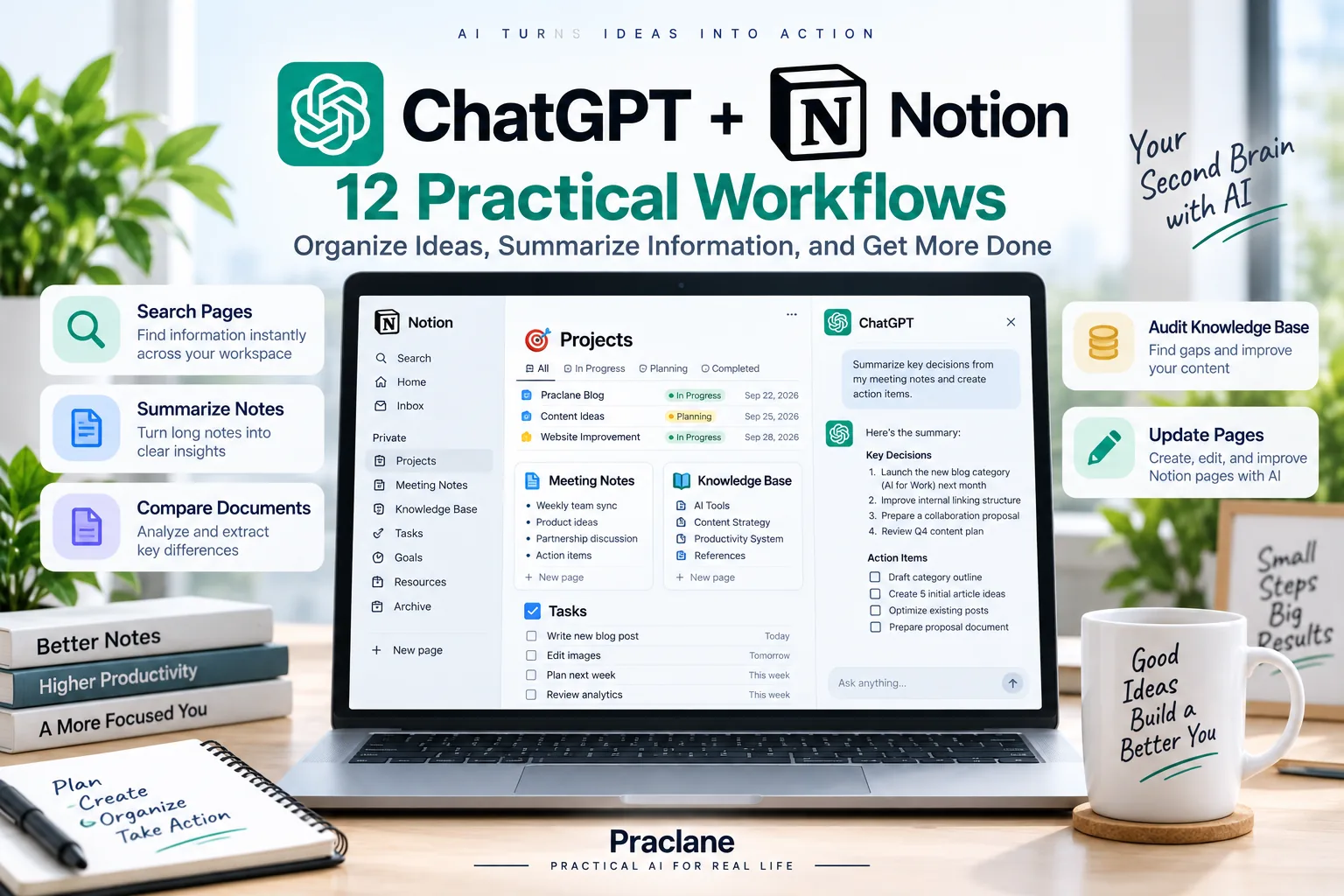
With ChatGPT + Notion, supported users can search and read authorized Notion pages directly from ChatGPT. Depending on the app or plugin, account permissions, workspace settings, and required approvals, some users may also be able to create or update supported Notion pages or databases.
This guide focuses on practical workflows rather than simple setup. The goal is to turn Notion into a more usable source of project context, decisions, team knowledge, and reusable documentation. For file-centric enterprise workflows, compare our ChatGPT + Box guide.
What ChatGPT Can Do With Connected Notion
OpenAI’s current Notion app documentation says ChatGPT can search and read Notion content that the connected account is already allowed to access. The current app does not use individual sync, so you do not need to wait for a personal Notion index to finish building.
| Capability | Practical Use |
|---|---|
| Search pages | Find project notes, guides, decisions, and references across authorized pages |
| Summarize | Turn long pages into concise briefs, checklists, or action items |
| Compare | Compare project notes, plans, or versions and identify conflicts |
| Knowledge review | Find outdated, duplicated, or inconsistent documentation |
| Supported write actions | Create or update pages or databases when the current connection and permissions allow it |
How to Connect Notion to ChatGPT
- Open ChatGPT and go to Apps or Plugins.
- Find Notion.
- Select Connect, or install the Notion plugin if that is the option shown.
- Sign in to the Notion account that already has access to the pages you need.
- Review the workspace and content included in the authorization request.
- Approve the connection and return to ChatGPT.
If a page does not appear, first check whether you connected the correct Notion account and workspace and whether that account can open the page directly in Notion. A ChatGPT administrator can enable the app, but cannot override Notion page permissions.
12 Practical ChatGPT + Notion Workflows
1. Find the Latest Decision on a Project
Search the Notion pages I can access for the latest decision about Project Atlas pricing. Summarize the final decision, the date, the people involved, and the page where it was documented. If there are conflicting pages, show the conflict instead of choosing one silently.
This is more useful than searching only by page title because important decisions are often buried inside meeting notes or project pages.
2. Turn a Long Project Page Into an Executive Brief
Summarize the current Project Atlas page for a senior manager. Include Objective, Current Status, Key Decisions, Risks, Owners, Deadlines, and Decisions Needed. Keep it under 500 words.
3. Compare This Month’s Project Notes
Compare the Project Atlas notes created or updated this month. Identify changes in scope, schedule, ownership, risks, and assumptions. Separate confirmed changes from proposals that were only discussed.
This helps when Notion contains several meeting pages that describe different stages of the same plan.
4. Build a New-Employee Onboarding Checklist
Find the current onboarding guide in Notion. Turn it into a checklist for a new employee’s first five working days. Include required accounts, meetings, documents, training, and anything that needs manager approval.
5. Audit a Knowledge Base for Outdated Information
Review the product documentation pages I can access in Notion. Identify pages that appear outdated because they reference old dates, retired product names, replaced processes, or information that conflicts with newer pages. Create a review list rather than editing anything.
For important content, use human review before changing or deleting documentation.
6. Find Repeated Questions Across Team Notes
Search recent project and meeting pages for questions that appear repeatedly but do not have a clear final answer. Group similar questions together and show the pages where each one appears.
7. Create a Project Handoff From Existing Pages
Use the current Project Atlas pages to create a handoff for a teammate taking over tomorrow. Include Current State, Completed, In Progress, Blocked, Key Contacts, Important Links, Deadlines, and the first three things they should check.
For broader handoff and work-planning ideas, see our ChatGPT for work guide.
8. Turn Meeting Notes Into a Clean Project Update
Use the latest meeting notes page. Create a project update with Decisions, Action Items, Owners, Deadlines, Risks, and Questions. Keep all facts grounded in the notes and flag anything ambiguous.
If you regularly process meeting notes, continue with our ChatGPT for meetings workflows.
9. Find Contradictions Across Policy Pages
Compare the current policy pages related to travel reimbursement. Flag conflicting limits, approval rules, deadlines, or required documents. Include the page title and section where each conflict appears.
10. Create or Update a Page When Write Actions Are Available
OpenAI notes that supported page or database write actions can vary by connection, account permissions, workspace settings, and required approvals. When a write action is available, preview the change before applying it.
Draft a new Notion page titled “Project Atlas — Weekly Status.” Use sections for Completed, In Progress, Blocked, Decisions, Risks, and Next Week. Show me the full proposed page before creating it.
11. Build a Research Digest From Several Notion Pages
Use the research pages related to AI adoption in customer support. Create a digest with Main Findings, Evidence, Open Questions, Conflicting Claims, and Recommended Follow-Up Research. Cite the source page after every major claim.
12. Create a Reusable Notion Review Prompt
Whenever I ask you to review a Notion project, first find the current project page and the most recent related notes. Then summarize changes, decisions, blockers, owners, and deadlines. Separate facts from proposals, cite page titles, and never update a page unless I explicitly approve the proposed change.
A Better Prompt Formula for Notion
- Workspace or project: where the relevant pages live
- Source: page title, topic, project, or date range
- Task: find, summarize, compare, audit, draft, or update
- Evidence: page title, section, date, or owner
- Action boundary: read only, propose a change, or apply an approved write action
Search only the authorized Notion pages for Project Atlas updated in the last 30 days. Create a status brief with decisions, risks, owners, deadlines, and unresolved questions. Cite the source page after every deadline and decision. Do not update any page.
Important Notion Limits
- No individual sync. The current Notion app uses authorized access rather than a personal synced index.
- Not every page is visible. ChatGPT can use only pages the connected Notion account and authorization allow.
- Write actions vary. Creating or updating pages or databases depends on the current app/plugin, permissions, workspace settings, and approvals.
- Not every native Notion feature is exposed. A supported page action does not mean templates, automations, buttons, or every database feature can be configured from ChatGPT.
- Admin access does not override page permissions. Notion remains the source of truth for which pages the connected account can view.
FAQ
Can ChatGPT search my Notion workspace?
Yes, on supported accounts. ChatGPT can search and read authorized Notion content available to the connected account.
Does Notion need to sync before I can use it?
No. OpenAI’s current Notion app does not use individual sync, so there is no personal sync process to wait for.
Can ChatGPT create or edit Notion pages?
It may be able to, depending on the current app or plugin, your Notion permissions, ChatGPT workspace settings, and required approvals. Check which actions are available before relying on a write workflow.
Can ChatGPT read private Notion pages?
Only if the connected Notion account already has access and the app authorization includes the relevant content. Connecting Notion does not bypass page permissions.
Final Thoughts
The best ChatGPT + Notion workflows make information easier to retrieve, compare, and maintain. The value is not simply generating more notes; it is reducing the time spent looking for the current decision, the current owner, or the current version of a process.
Keep requests scoped, cite the source page for important claims, separate confirmed decisions from proposals, and preview any significant page or database change before applying it.