10 Practical Things You Can Do With ChatGPT in 2026

ChatGPT is useful for far more than asking random questions. In 2026, it can help you write, research, study, plan, analyze files and data, create images, practice languages, and organize longer projects.
The most useful way to learn ChatGPT is to connect it to something you already need to do. This guide covers 10 practical things you can do with ChatGPT, with simple examples you can copy and adapt.
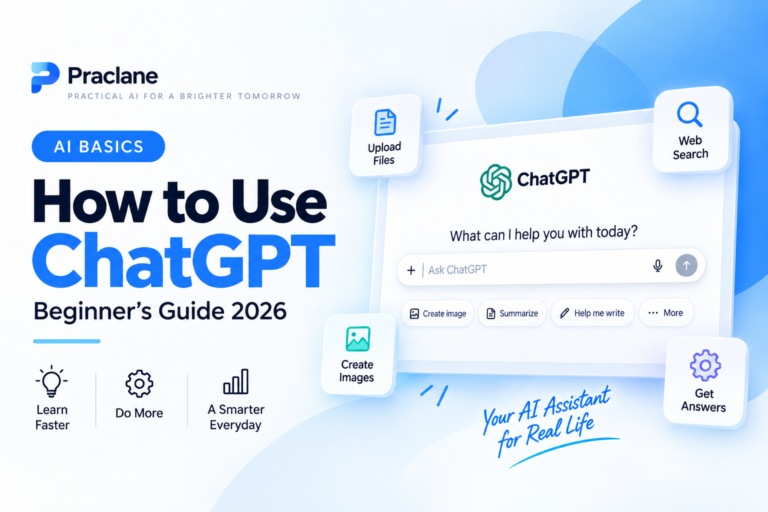
If you are completely new, start with our step-by-step ChatGPT beginner guide. If your answers are too generic, our guide to writing better ChatGPT prompts will help you improve them.
10 Practical Things You Can Do With ChatGPT
Here is the quick list:
- Write and improve emails
- Summarize documents and extract information
- Search the web and research current topics
- Learn difficult subjects and study more effectively
- Analyze spreadsheets and structured data
- Brainstorm ideas and create plans
- Practice languages and conversations
- Generate and edit images
- Get help with coding and troubleshooting
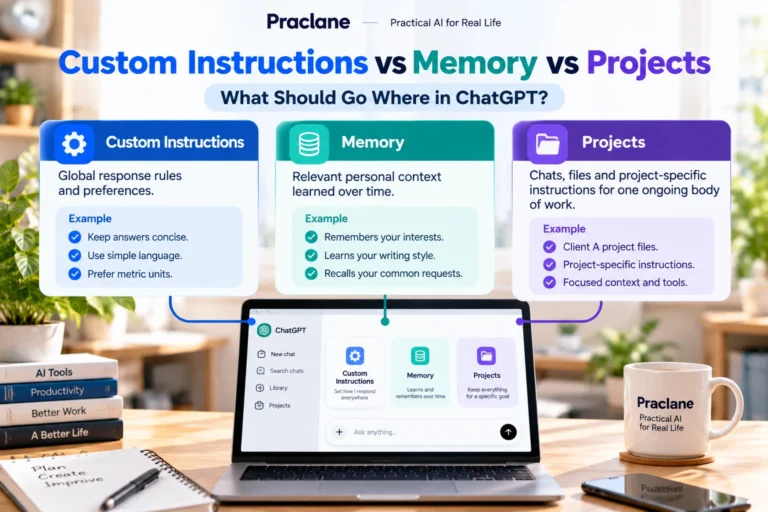
- Organize long-running work with Projects
Most of these can be useful on the Free plan, although available tools and usage limits vary by plan. If you are deciding whether you need a paid subscription, see our ChatGPT Free vs Plus comparison.
1. Write and Improve Emails
Email is one of the easiest places to save time with ChatGPT. Instead of asking it to simply “write an email,” give it the audience, purpose, tone, and any important details.
Write a short professional email to my manager explaining that I will be 30 minutes late because of a train delay. Keep it polite and under 100 words.
You can also paste an email you already wrote and ask ChatGPT to improve it without changing the meaning.
Rewrite this email so it sounds clear, professional, and friendly. Keep all the facts the same: [paste email]
This works well for work emails, customer replies, follow-ups, applications, requests, and difficult messages where tone matters.
2. Summarize Documents and Extract Information
ChatGPT can work with supported documents such as PDFs, presentations, text files, and other uploaded files. OpenAI’s current ChatGPT capabilities overview lists file uploads as a way to summarize content, extract information, and answer questions about documents.
Instead of reading a long document from beginning to end, you can ask for a structured summary.
Summarize this document in five bullet points. Then list the deadlines, costs, responsibilities, and anything that could create a risk for me.
You can also ask targeted questions such as “What does this contract say about cancellation?” or “Which pages mention delivery dates?”
Important: for legal, financial, medical, or other high-stakes documents, use ChatGPT to help you understand the material, not as a replacement for professional advice. Verify important details in the original document.
3. Search the Web and Research Current Topics
When a question depends on current information, ChatGPT can search the web and return links or citations. OpenAI says web search is available across its main ChatGPT plans, subject to plan limits.
This is useful for comparing products, checking recent changes, researching travel, following current events, or finding up-to-date information that may not be reliable from model knowledge alone.
Search the web for the current baggage rules for these three airlines. Compare cabin bag size, weight limits, and fees in a table. Use official airline sources where possible.
For current information, ask ChatGPT to use recent sources and then open the most important links yourself. OpenAI’s web search guide explains how search and source links work.
4. Learn Difficult Subjects and Study More Effectively
ChatGPT can act like a patient study partner. You can ask it to explain a concept at your level, give an analogy, test you with questions, or build a study plan.
Explain supply and demand to a complete beginner. Use one everyday example, then give me five quiz questions without showing the answers until I respond.
A useful technique is to make the learning interactive instead of only asking for a summary.
Teach me this topic step by step. Ask me one question after each section and adjust the next explanation based on my answer.
You can use the same method for school subjects, professional exams, software training, foreign languages, or learning a new skill.
5. Analyze Spreadsheets and Structured Data
ChatGPT can analyze supported spreadsheets and CSV files in a code-enabled environment. OpenAI’s capabilities documentation describes data analysis features for summarizing trends, cleaning data, creating calculations, and producing visualizations.
You might upload a sales spreadsheet and ask:
Analyze this spreadsheet. Show monthly revenue, the five highest-performing products, the three biggest declines, and any unusual values I should investigate.
It can also help write Excel formulas, explain why a formula is failing, reorganize messy data, or suggest which chart best communicates a result.
Always check important calculations before using them in financial or business decisions.
6. Brainstorm Ideas and Turn Them Into a Plan
Brainstorming is more useful when you ask ChatGPT to move beyond a list of ideas and help you evaluate them.
Give me 15 realistic side-project ideas for someone with basic design skills and five hours per week. Score each idea for startup cost, difficulty, time to first result, and long-term potential.
Then choose one and continue:
Turn idea #4 into a 30-day action plan. I can spend 45 minutes per weekday and two hours on Sunday.
This works for business ideas, content calendars, travel plans, meal planning, home projects, study schedules, fitness routines, and many other goals.
7. Practice Languages and Real Conversations
ChatGPT is especially useful for language practice because you can control the difficulty and ask for corrections without ending the conversation.
Practice Spanish with me at an A2 level. Pretend you work at a café in Madrid. Ask one question at a time. Correct my mistakes briefly in English, then continue in Spanish.
You can also use Voice to practice speaking and listening. OpenAI’s current ChatGPT Voice guide explains how voice conversations work on web and mobile.
For pronunciation or natural phrasing, ask for a simpler alternative, regional wording, or an explanation of why one phrase sounds more natural than another.
8. Generate and Edit Images
ChatGPT can create images from descriptions and, where supported, edit generated or uploaded images. This can be useful for blog graphics, concept art, simple marketing visuals, mockups, diagrams, social content, and creative experiments.
Create a clean 3:2 blog thumbnail for an article about remote work productivity. Use a bright modern desk scene, no people, large readable title text, and enough empty space around the edges so nothing is cropped on mobile.
Good image prompts describe the subject, composition, style, aspect ratio, text requirements, and what should be avoided. If the first result is close but not perfect, ask for a targeted revision rather than starting from zero.
9. Get Help With Coding and Troubleshooting
You do not need to be a professional developer to use ChatGPT for technical problems. It can explain code, help diagnose errors, suggest formulas, translate error messages into plain language, and walk through troubleshooting steps.
This Excel formula returns #VALUE!. Explain the likely cause in simple terms, then give me a corrected formula: [formula]
For code, include the programming language, what you expected, what actually happened, the relevant code, and the exact error message.
This Python script should rename every .jpg file in a folder, but it skips some files. Find the bug, explain it, then provide the smallest safe fix: [code]
Review code before running it, especially when it can delete files, change accounts, modify a database, or affect a live website.
10. Organize Long-Running Work With Projects
For work that continues across many conversations, Projects can keep related chats, files, and instructions together. OpenAI describes Projects as workspaces for long-running tasks such as writing, research, planning, and repeated workflows.
For example, you could create a project for:
- Learning Spanish for six months
- Planning a job search
- Managing a blog or content calendar
- Researching a major purchase
- Working on a thesis or long report
- Planning a move or extended trip
Add the relevant files, define the goal in the project instructions, and keep related conversations inside the same project. OpenAI’s Projects documentation explains current availability and how project context works.
How to Get Better Results From Any of These Uses
The task matters, but the quality of your instructions matters too. A useful prompt usually includes four things:
- Task: what you want ChatGPT to do
- Context: the background it needs
- Requirements: limits, tone, audience, or important details
- Output format: how you want the answer organized
Compare these three options for a beginner. Use the information I provide, explain the trade-offs, and finish with a recommendation. Put the comparison in a table and keep the explanation under 500 words.
You do not need to write a perfect prompt the first time. Ask a clear question, review the result, then use follow-up prompts to improve it.
What Should You Not Use ChatGPT For?
ChatGPT can be helpful in many situations, but it should not be treated as an unquestionable authority. Be careful with medical, legal, financial, safety-critical, and other high-stakes decisions. Verify important facts and use qualified professionals when appropriate.
Also avoid sharing passwords, authentication codes, full payment-card details, or other secrets that are not necessary for the task.
Frequently Asked Questions
What is the most useful thing to do with ChatGPT?
For most beginners, the most useful first tasks are rewriting an email, explaining a difficult topic, summarizing a document, or creating a simple plan. Choose a task you already need to complete rather than trying random prompts.
Can I do these things with ChatGPT Free?
Many of them are available on Free, including everyday chat and web search. Some tools have lower limits or different availability depending on your plan, account, device, and region. Check the interface in your account for the current options.
Do I need special prompt formulas?
No. Clear ordinary language is enough. Prompt frameworks are useful because they remind you to include context and requirements, not because ChatGPT needs a secret command format.
Can ChatGPT make mistakes?
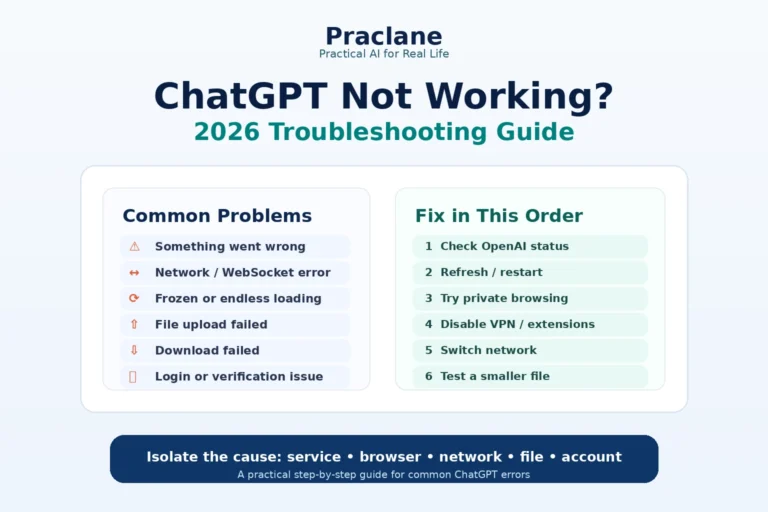
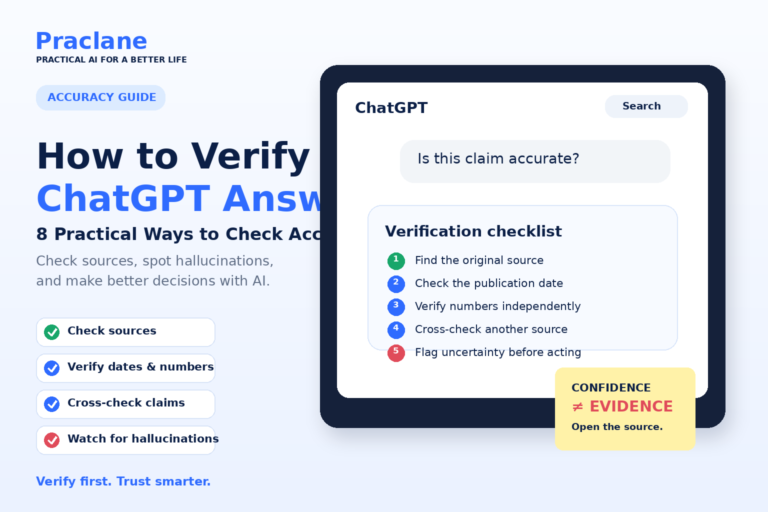
Yes. It can misunderstand a request, miss context, make calculation errors, or produce incorrect facts. Review important outputs and verify claims when accuracy matters.
For the underlying basics behind these use cases, see our guide to what ChatGPT is and how it works.
Final Thoughts
The best way to get value from ChatGPT is not to memorize hundreds of prompts. Start with a real task, provide the context that matters, and keep improving the answer through conversation.
Try one of the ten examples above today. Once you find a task that genuinely saves time, turn it into a repeatable workflow. Then continue with our guide to better ChatGPT prompts to make the results more consistent.