How to Use ChatGPT to Plan Your Week: 10 Practical Ways to Organize Tasks, Time, and Priorities
Read this guide in
A weekly plan looks simple until work, errands, appointments, exercise, family time, unfinished tasks, and unexpected problems all compete for the same hours.
ChatGPT can help you turn that mess into a realistic plan, but only if you give it your actual constraints instead of asking for a perfect schedule.
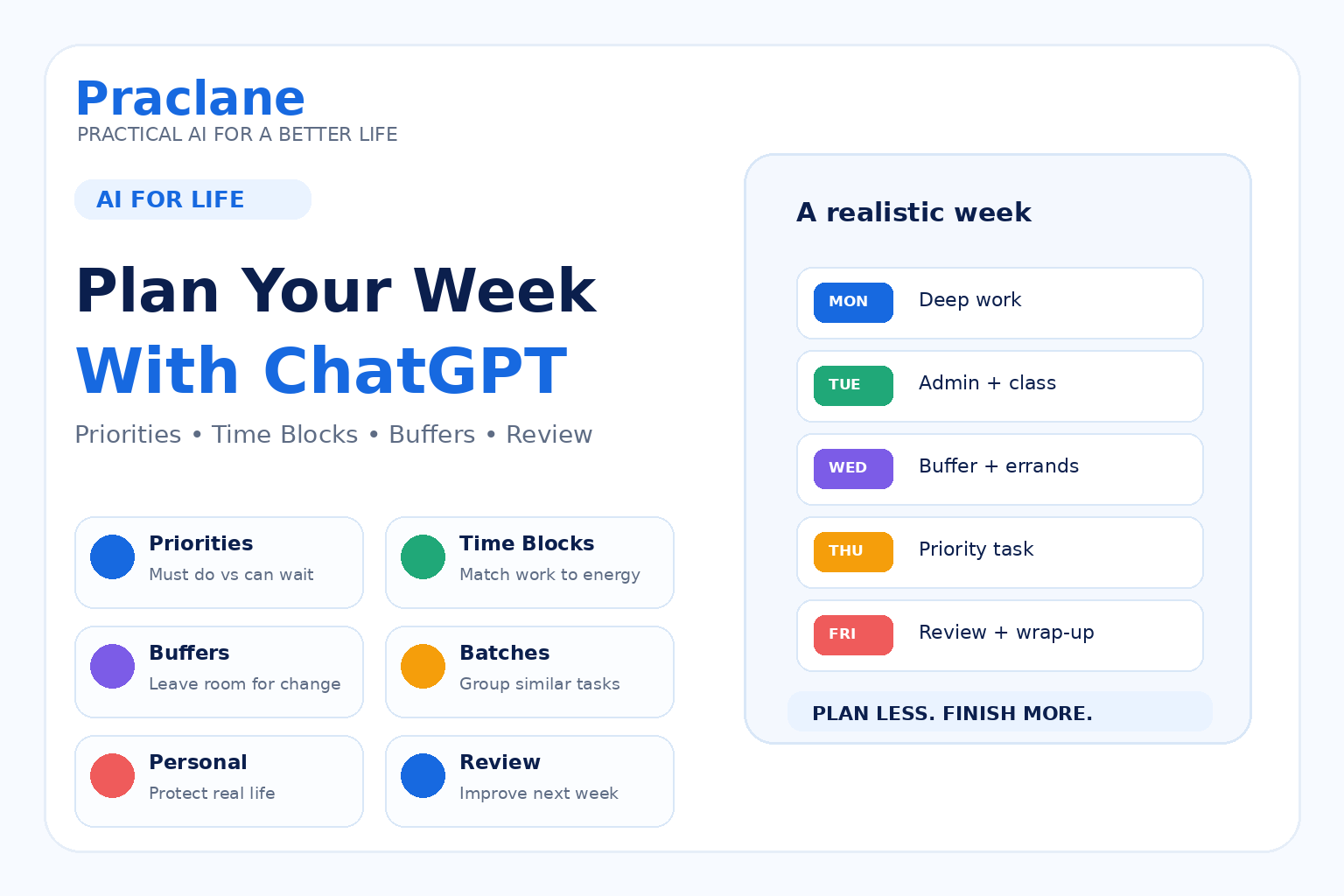
This guide shows how to use ChatGPT to plan your week with 10 practical methods for priorities, time blocks, buffers, recurring tasks, and weekly review.
For broader everyday use cases, see our 10 practical things you can do with ChatGPT. If you want a reusable structure, see our prompt templates guide. If you use a connected calendar, our ChatGPT + Google Calendar guide shows how to review real schedules, find conflicts, prepare meetings, and plan focus time.
The Main Rule: Plan Around Reality
A useful weekly plan should include fixed commitments, priorities, energy, travel time, rest, and buffer. It should not pretend every open hour is available for productive work.
The goal is not to fill the calendar. The goal is to make the important things easier to finish.
1. Start With Fixed Commitments
Give ChatGPT the parts of the week that cannot move before asking it to schedule anything else.
Help me plan this week. Fixed commitments: Monday 9–5 work, Tuesday 7 PM class, Wednesday dentist at 3 PM, Thursday evening family dinner, Saturday morning appointment. Do not schedule anything over these blocks. Leave travel time where needed.
2. Separate Must-Do Tasks From Nice-to-Do Tasks
Sort this task list into Must Do This Week, Should Do, and Can Wait. Use deadline, consequence, importance, and dependency. Flag any task that needs more information before it can be prioritized: [task list]
This prevents low-impact tasks from filling the week simply because they are easy to start.
3. Estimate Work Before Scheduling It
Here are my tasks and rough durations: [tasks]. Check whether the estimates look internally consistent, identify anything that may need to be split into smaller steps, and show the total planned workload before building a schedule.
ChatGPT cannot know your exact working speed, so use its estimate as a planning check rather than a fact.
4. Match Hard Tasks to Your Best Energy
I focus best between 9 AM and noon and lose energy after 4 PM. Put deep work, writing, or difficult decisions in my high-energy periods. Put admin, errands, and simple tasks later where possible.
Time is not the only resource in a weekly plan. Attention and energy matter too.
5. Add Buffers Instead of Planning Every Minute
Create a weekly plan from these commitments and priorities, but leave at least 20% of my flexible time unscheduled. Add buffer around travel, difficult tasks, and anything likely to run long.
Buffers make the plan more durable when the week changes.
6. Batch Similar Tasks Together
Group similar tasks from this list into batches so I switch context less often. Look for email, calls, errands, research, writing, admin, and household tasks. Then suggest where those batches fit in my week: [tasks]
7. Protect Personal Commitments
Build this week around my work priorities, but protect three 45-minute exercise blocks, one evening with no work, and Sunday afternoon for family. Treat those as real commitments, not optional leftovers.
A weekly plan is more sustainable when rest and personal time are designed into it rather than added only if time remains.
8. Create a Backup Version for a Busy Week
Create a minimum viable version of this week in case I lose one full day to unexpected work. Preserve deadlines and the two highest-impact priorities. Tell me what should be delayed first.
This gives you a fallback before the week becomes chaotic.
9. Use Recurring Reminders for Weekly Habits
Some parts of a weekly plan do not need to be rebuilt every time. A recurring reminder can prompt you to review bills, update a task list, plan meals, or prepare for the next week.
Every Sunday afternoon, remind me to review next week’s appointments, deadlines, errands, meal plan, and top three priorities. Give me the same short checklist each time.
For recurring reminders and monitoring, see our ChatGPT Scheduled Tasks guide.
10. Run a Weekly Review
Help me review this week. Ask me what I completed, what slipped, what took longer than expected, what created stress, and what should change next week. Then summarize three planning lessons and three priorities for the next week.
A review turns planning from a one-time schedule into a system that improves over time.
A Reusable Weekly-Planning Prompt
Help me plan my week. Fixed commitments: [commitments]. Deadlines: [deadlines]. Top priorities: [priorities]. Other tasks: [tasks]. Best focus times: [times]. Personal commitments to protect: [exercise/rest/family]. Leave buffer time, group similar tasks, avoid overloading any single day, and tell me what should be postponed if the plan is unrealistic.
Common Weekly-Planning Mistakes
- Scheduling every open hour with no buffer.
- Treating every task as equally important.
- Ignoring travel, setup, and transition time.
- Putting difficult tasks into low-energy periods.
- Protecting work commitments but not personal commitments.
- Rebuilding recurring routines from scratch every week.
- Keeping a plan that is clearly unrealistic instead of cutting scope.
Frequently Asked Questions
Can ChatGPT make a weekly schedule?
Yes. It can organize fixed commitments, priorities, estimated durations, buffers, and personal time into a draft weekly plan. You should still adjust the result to your actual energy, travel, and workload.
Can ChatGPT prioritize my tasks?
It can help structure priorities using deadlines, impact, effort, consequences, and dependencies. If the decision has important consequences, keep the final judgment yours.
Should I plan every hour?
Usually not. A plan with some unscheduled space is more resilient than one that depends on every task finishing exactly on time.
If your weekly plan depends on building repeatable behaviors, continue with our guide to using ChatGPT for habits and daily routines.
If you want to turn weekly planning into a repeatable review system, see our ChatGPT weekly review automation guide.
For goals that need a full roadmap rather than just one week, use our ChatGPT Planning Prompt Template to map phases, dependencies, risks, checkpoints, and next actions.
Final Thoughts
ChatGPT is most useful for weekly planning when it helps you see trade-offs before the calendar becomes overloaded.
Plan the commitments first, protect the priorities, leave buffer, and decide in advance what can wait.