ChatGPT vs NotebookLM (Gemini Notebook): Which Is Better for Research and Studying in 2026?
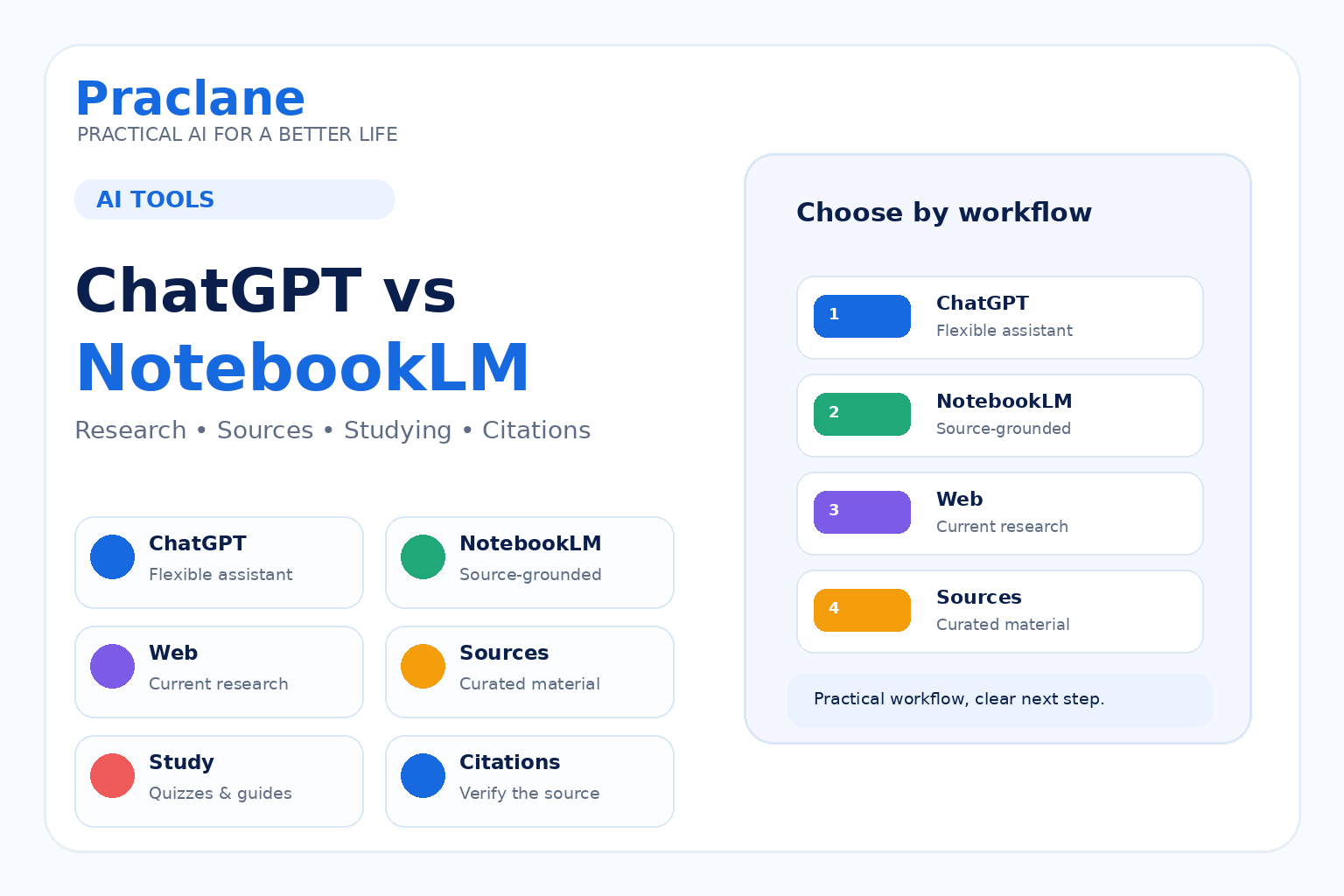
ChatGPT and NotebookLM—renamed Gemini Notebook by Google in July 2026—can both help with research and learning, but they are built around different workflows.
ChatGPT is a broad assistant that can search the web, work with files, use project context, explain ideas, and move between research, writing, planning, and other tasks. Gemini Notebook (formerly NotebookLM) is designed around a curated set of sources and keeps its answers grounded in those materials.
This guide compares ChatGPT vs NotebookLM for practical research and studying in 2026 without pretending that one tool is best for every job.
For a broader assistant comparison, see our ChatGPT vs Gemini vs Claude guide. If accuracy matters, also see how to verify AI answers.
The Short Version
- ChatGPT is more flexible when you need web search, open-ended problem solving, writing, files, projects, and a general-purpose assistant in one place.
- NotebookLM is especially useful when you already have a defined set of sources and want answers, summaries, study materials, and citations grounded in those sources.
The most useful question is not “Which AI is smarter?” but “Do I need an open-ended assistant or a source-grounded notebook?”
How ChatGPT Handles Research
ChatGPT can search the web when current information is useful and provide source links. OpenAI’s current web search documentation says Search is available across ChatGPT plans, subject to usage limits.
You can also combine web research with uploaded files, ongoing conversations, and Projects. That makes ChatGPT useful when the work changes shape: research something, compare options, turn findings into a report, rewrite it for another audience, and then build a checklist from the same context.
Practical fit: use ChatGPT when the task extends beyond a fixed source library.
How Gemini Notebook (Formerly NotebookLM) Handles Research
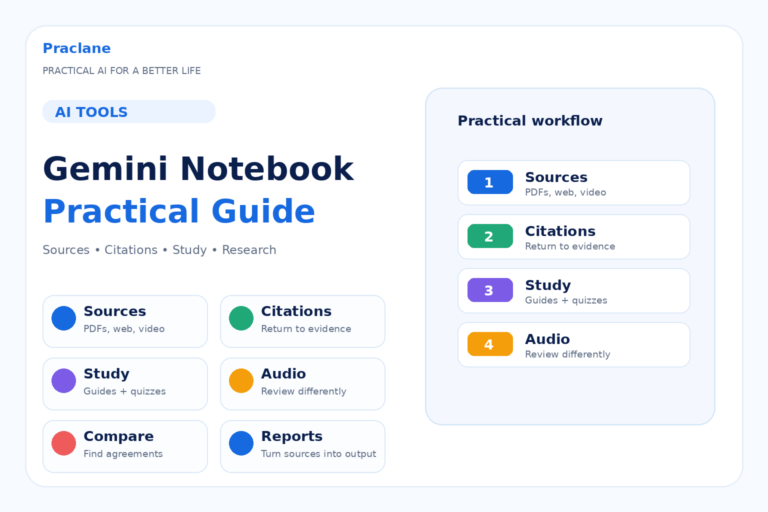
Google describes NotebookLM as an AI-powered research assistant centered on sources you add to a notebook. Its current documentation lists PDFs, websites, YouTube videos, audio files, Google Docs, Google Slides, Word files, CSVs, PowerPoint files, ePub files, images, and other supported formats.
NotebookLM answers questions from the selected notebook sources and provides inline citations that can take you back to the relevant source passage. It can also transform source material into formats such as study guides, briefings, flashcards, quizzes, mind maps, Audio Overviews, and other artifacts.
See Google’s current NotebookLM overview and source-grounded chat documentation.
Practical fit: use NotebookLM when the source set itself is the center of the task.
ChatGPT vs NotebookLM: Practical Comparison
| Task | ChatGPT | NotebookLM |
|---|---|---|
| Current web research | Web search with sources | Best when you add or discover relevant sources for the notebook |
| Questions about your own documents | Strong with uploaded files and project context | Core workflow; answers stay grounded in notebook sources |
| Citations to source material | Web citations and file-based context depending on task | Inline citations back to notebook sources |
| Study materials | Custom quizzes, explanations, plans, flashcards | Study guides, quizzes, flashcards, Audio Overviews, mind maps, and more |
| Open-ended writing and planning | Broad general-purpose workflow | More source-centered |
| Long-term organization | Projects and chats | Notebooks organized around curated sources |
Which Fits Studying Better?
If you are studying from a defined set of textbooks, lecture PDFs, slides, papers, or notes, NotebookLM’s source-grounded design can be very useful. You can ask questions about only those materials, generate study aids, and jump back to cited passages.
If you need tutoring, adaptive explanations, role-play, language practice, custom problem generation, or a broader conversation that goes beyond the uploaded material, ChatGPT may fit more naturally.
For practical learning workflows, see our study guide and language-learning guide.
Which Fits Research Better?
Use NotebookLM when you want to constrain the work to a trusted source set. This is useful for reviewing a research packet, comparing several papers, understanding a long report, or building a study notebook from class material.
Use ChatGPT when research needs to branch into current web information, broader problem solving, writing, planning, or a sequence of different tasks.
Source grounding reduces one kind of uncertainty, but it does not guarantee that every interpretation is correct. Always open the cited source when an important conclusion depends on it.
A Practical Two-Tool Workflow
- Collect the most important source material for a topic.
- Use NotebookLM to understand, compare, and study those sources.
- Open the citations for claims that matter.
- Use ChatGPT when you need current web research, broader context, writing, planning, or a different output format.
- Verify important external facts before using them in a final decision or publication.
Common Mistakes
- Using NotebookLM with weak or irrelevant sources and assuming grounding makes the answer reliable.
- Using ChatGPT web search without opening the cited sources for important claims.
- Uploading too many sources before deciding what question you actually need to answer.
- Choosing a tool based on feature count instead of the structure of the task.
- Assuming either tool replaces reading the most important original material.
Frequently Asked Questions
Is NotebookLM better than ChatGPT for PDFs?
It depends on the workflow. NotebookLM is designed around a curated source set with inline citations, while ChatGPT can combine files with broader conversations, web research, and other tasks. If the PDF itself is the main reference, NotebookLM is especially worth testing.
Can NotebookLM search the web?
NotebookLM can help discover or add supported sources, but its defining workflow is source-grounded work inside a notebook. If you want open-ended current web research, ChatGPT Search or Gemini Deep Research may fit that task more directly.
Can I use both?
Yes. A useful pattern is to use NotebookLM for deep work on a trusted source collection and ChatGPT for broader research, explanation, writing, and follow-on tasks.
If you want a step-by-step walkthrough of the research tool itself, read our Gemini Notebook guide.
Final Thoughts
ChatGPT and NotebookLM overlap, but they solve the problem from different directions.
Choose ChatGPT when the workflow needs flexibility. Choose NotebookLM when the source set needs to stay at the center.