ChatGPT vs Gemini vs Claude: Which AI Assistant Fits Different Tasks in 2026?
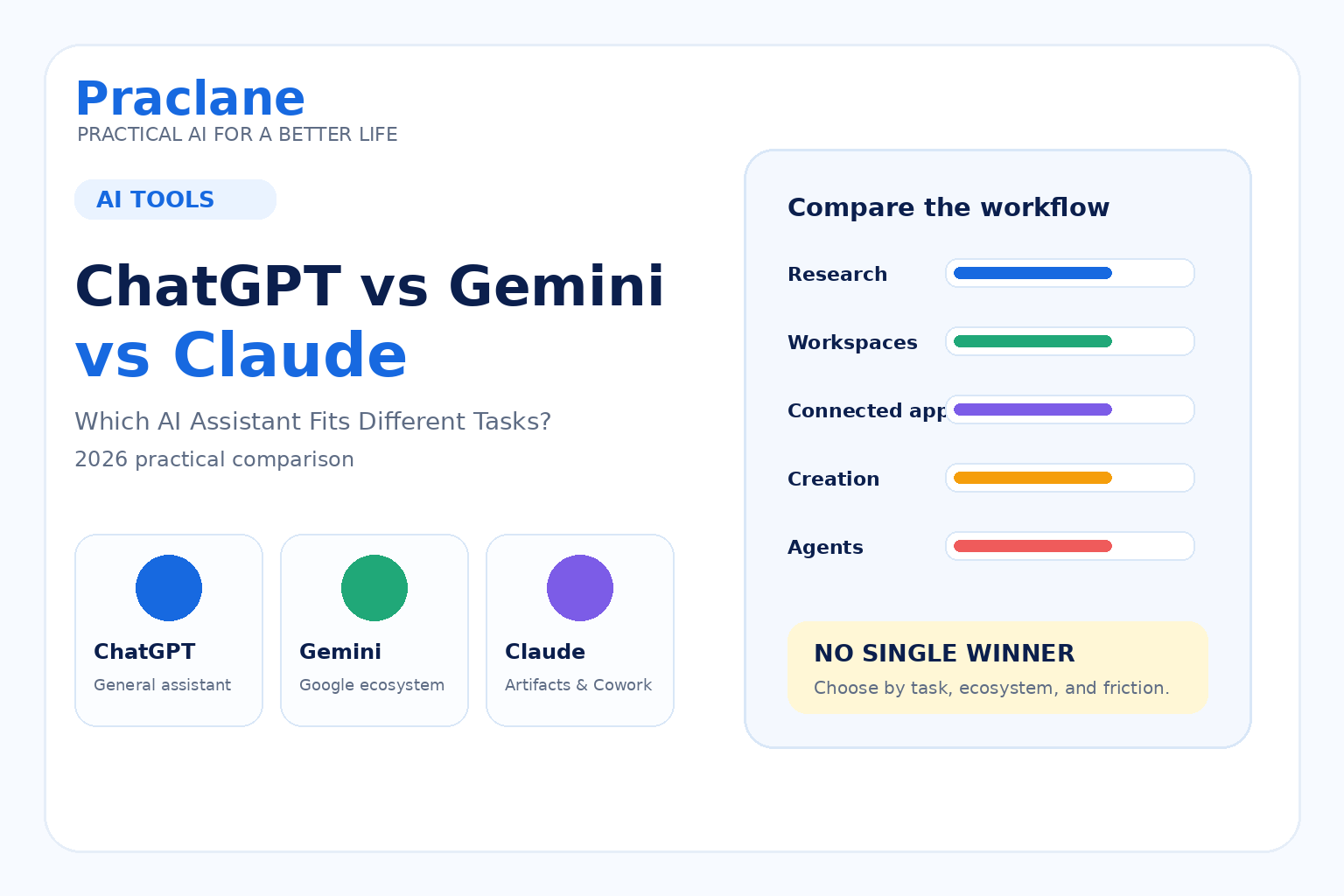
ChatGPT, Gemini, and Claude can all answer questions, write, summarize, research, and help with everyday work. The difference is increasingly less about whether they can perform a basic task and more about which product workflow fits the way you already work.
This comparison looks at ChatGPT vs Gemini vs Claude in 2026 using practical product differences: web research, persistent workspaces, connected services, voice, long-form creation, and agentic work.
Features and plan limits change quickly, so this guide focuses on the current product direction rather than declaring one permanent winner.
The Short Version
- ChatGPT is built as a broad general-purpose assistant with web search, Projects, Voice, file tools, and ChatGPT Work for longer multi-step tasks.
- Gemini is especially tied into Google’s ecosystem, with Deep Research, Gems, Google Search, Gmail, Drive, Workspace, and a growing set of connected apps.
- Claude combines conversational work with Projects, web search, Artifacts, and Cowork for multi-step tasks across documents, browser tools, files, and connected services.
The right choice depends on what you actually need to do. A person working all day in Gmail and Drive may care about different features than someone building documents and prototypes or someone who wants one assistant for voice, research, files, and general productivity.
ChatGPT in 2026
OpenAI describes ChatGPT as a general AI assistant that can answer questions, write and rewrite content, reason through problems, translate, search the web, and work with files and other tools depending on the plan and settings.
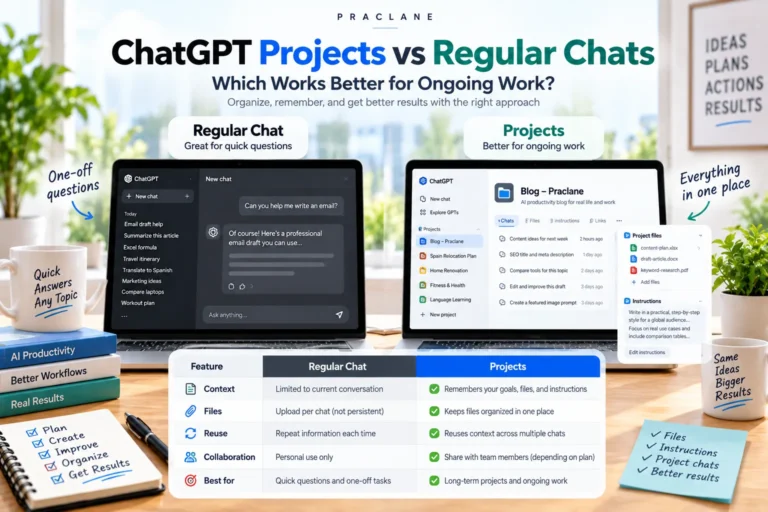
Its current capabilities overview includes web search and tool-based work, while Projects provide a persistent workspace for chats, files, instructions, and ongoing context.
ChatGPT also has Voice for spoken conversations and ChatGPT Work for longer tasks that can operate across apps, files, and workflows to produce finished outputs.
Practical fit: ChatGPT makes sense when you want one assistant to move between conversation, research, files, voice, planning, and more involved work without changing products.
If you are new to it, see our ChatGPT beginner guide.
Gemini in 2026
Gemini’s strongest product identity is its connection to Google’s ecosystem.
Google’s Deep Research documentation says Gemini can use Google Search by default and can also draw from sources such as Gmail, Drive, uploaded files, and NotebookLM notebooks when those sources are available and connected.
Gemini also supports Gems, which are customized versions of Gemini designed around repeated goals and instructions. Google has also been expanding connected apps and services inside Gemini.
Practical fit: Gemini is a natural option to test if much of your work already lives in Gmail, Drive, Docs, Sheets, Slides, Google Search, or other Google services.
Claude in 2026
Claude combines a chat assistant with several workflows designed around substantial documents, reusable project context, creation, and delegated work.
Anthropic’s Artifacts documentation describes a dedicated space for self-contained outputs such as documents, code, websites, diagrams, visualizations, and interactive components that can be revised separately from the main conversation.
Claude also supports live web search with citations in supported experiences. Anthropic’s current documentation explains that web search can retrieve current information and source links. For more advanced delegation, Claude Cowork is positioned as a way to hand off multi-step work using documents, browser context, tools, projects, skills, and plugins.
Practical fit: Claude is worth testing when your workflow revolves around substantial documents, iterative standalone outputs, prototypes, or delegated multi-step work.
ChatGPT vs Gemini vs Claude: Feature Comparison
| Workflow | ChatGPT | Gemini | Claude |
|---|---|---|---|
| Current web research | Web search with sources | Google Search and Deep Research | Web search with citations |
| Persistent work context | Projects | Gems and connected Google context | Projects |
| Connected ecosystem | Plugins, apps, files, Work | Strong Google Workspace and connected-app direction | Connectors, plugins, Cowork |
| Standalone creation workspace | Documents, files, Work outputs | Workspace and Gemini creation tools | Artifacts |
| Spoken conversation | ChatGPT Voice | Gemini Live on mobile; availability varies by platform and account | Claude Voice on mobile; availability varies by rollout and plan |
| Agentic multi-step work | ChatGPT Work | Connected apps and Deep Research; action support varies | Claude Cowork |
This table describes product direction, not a benchmark score. Availability can differ by plan, region, device, workspace settings, and rollout stage.
Which One Fits Research Work?
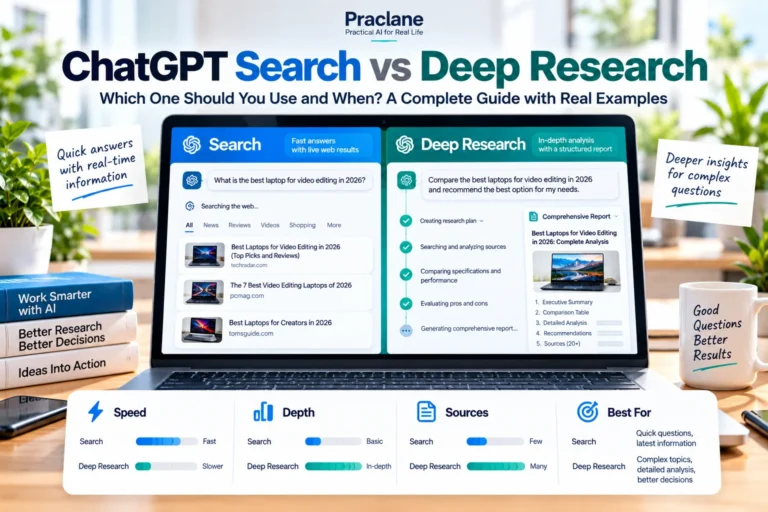
All three can work with current web information in supported experiences, so the more useful question is what sources you want the assistant to use.
- Choose a ChatGPT test if you want research inside a broader assistant workflow that also uses Projects, files, Voice, and Work.
- Choose a Gemini test if Google Search, Gmail, Drive, or NotebookLM are important research sources for you.
- Choose a Claude test if you want research combined with long-form output creation, Artifacts, or Cowork workflows.
Whatever tool you use, verify important claims against the cited source. Our AI answer verification guide uses ChatGPT examples, but the same source-checking principles apply to any AI assistant.
Which One Fits Everyday Office Work?
Your existing software stack matters more than a generic feature checklist.
If your day is centered on Google Workspace, Gemini’s Gmail and Drive context can reduce friction. If you want one cross-purpose assistant for email drafting, documents, analysis, voice, research, and delegated work, ChatGPT may fit that structure. If your work often becomes a long document, prototype, analysis, or deliverable you want to iterate on separately, Claude’s Artifacts and Cowork approach may feel more natural.
For practical workplace use cases, see our 15 ChatGPT work examples and our dedicated ChatGPT email guide.
Which One Fits Writing and Long-Form Creation?
All three can draft and rewrite text. The useful difference is how the writing sits inside the product.
Claude’s Artifacts give substantial standalone content its own editable space. ChatGPT combines chat with document and file workflows and can extend into Work for finished deliverables. Gemini benefits when the writing is closely tied to Google Workspace content and sources.
Instead of asking which model is “the best writer,” test the same real document in all three and compare how much editing you need.
Which One Fits Repetitive or Agentic Work?
The major AI products are moving beyond chat toward assistants that can perform longer workflows.
ChatGPT Work can operate across connected apps and files and produce finished outputs. Claude Cowork is designed to take delegated multi-step work using tools, documents, projects, and connected context. Google is also expanding Gemini’s connected apps and agentic capabilities across its ecosystem.
If automation is your main goal, compare the tools based on the services you need to connect, the actions they can take, approval controls, and how easily you can review the result—not just the quality of a single chat response.
For a practical starting point, see our guide to automating repetitive tasks with ChatGPT.
How to Choose Without Overthinking It
Do not compare AI tools only with artificial test prompts. Use three tasks from your actual week.
- Pick one task involving research or current information.
- Pick one task involving a document, file, or real work context.
- Pick one repeated task you would like to make easier next month.
- Run the same task in each assistant using similar instructions.
- Compare accuracy, editing time, source quality, connected context, and how easy the workflow is to repeat.
The best product for you is the one that removes the most friction from your real workflow, not the one with the longest feature list.
Can You Use More Than One?
Yes. You do not need to commit to a single assistant for every task.
Some people use one tool for everyday chat, another for research tied to a specific ecosystem, and another for document or development work. The trade-off is that using several products can fragment your files, instructions, memory, and workflows.
A practical approach is to choose one primary assistant and keep a second tool only for tasks where it provides a clear advantage in your own workflow.
Frequently Asked Questions
Is ChatGPT better than Gemini or Claude?
Not for every task. The products overlap heavily, but they differ in ecosystem, workspace design, connected services, creation tools, and agentic workflows. Your software stack and repeated tasks are more useful selection criteria than a universal ranking.
Which AI assistant is better for Google Workspace users?
Gemini is the most directly integrated with Google’s own ecosystem, so it is worth testing first if Gmail, Drive, Docs, Sheets, Slides, and Google Search are central to your work. Whether it is the right primary assistant still depends on your other tasks.
Which AI assistant is good for long documents and prototypes?
All three can create substantial content. Claude’s Artifacts are specifically designed to place self-contained documents, code, visualizations, websites, and interactive components in a separate editable workspace, which is useful to compare for that type of work.
Do I need paid plans to compare them?
No. Each product offers some form of consumer access, but advanced capabilities, usage limits, connected services, and agentic tools can depend on the plan. Check the current official plan pages before choosing a subscription based on one specific feature.
If search and source-based research are your main priority, see our focused comparison of ChatGPT vs Perplexity.
Final Thoughts
ChatGPT, Gemini, and Claude are converging on many of the same core abilities while building different ecosystems around them.
Do not choose based only on a model name or a benchmark screenshot. Compare the products using the work you actually repeat, the sources you already use, and the tools you need to connect.
A useful AI assistant should fit into your workflow—not force you to rebuild your workflow around the assistant.