Custom GPTs Are Retiring: What to Use Instead and How to Prepare in 2026
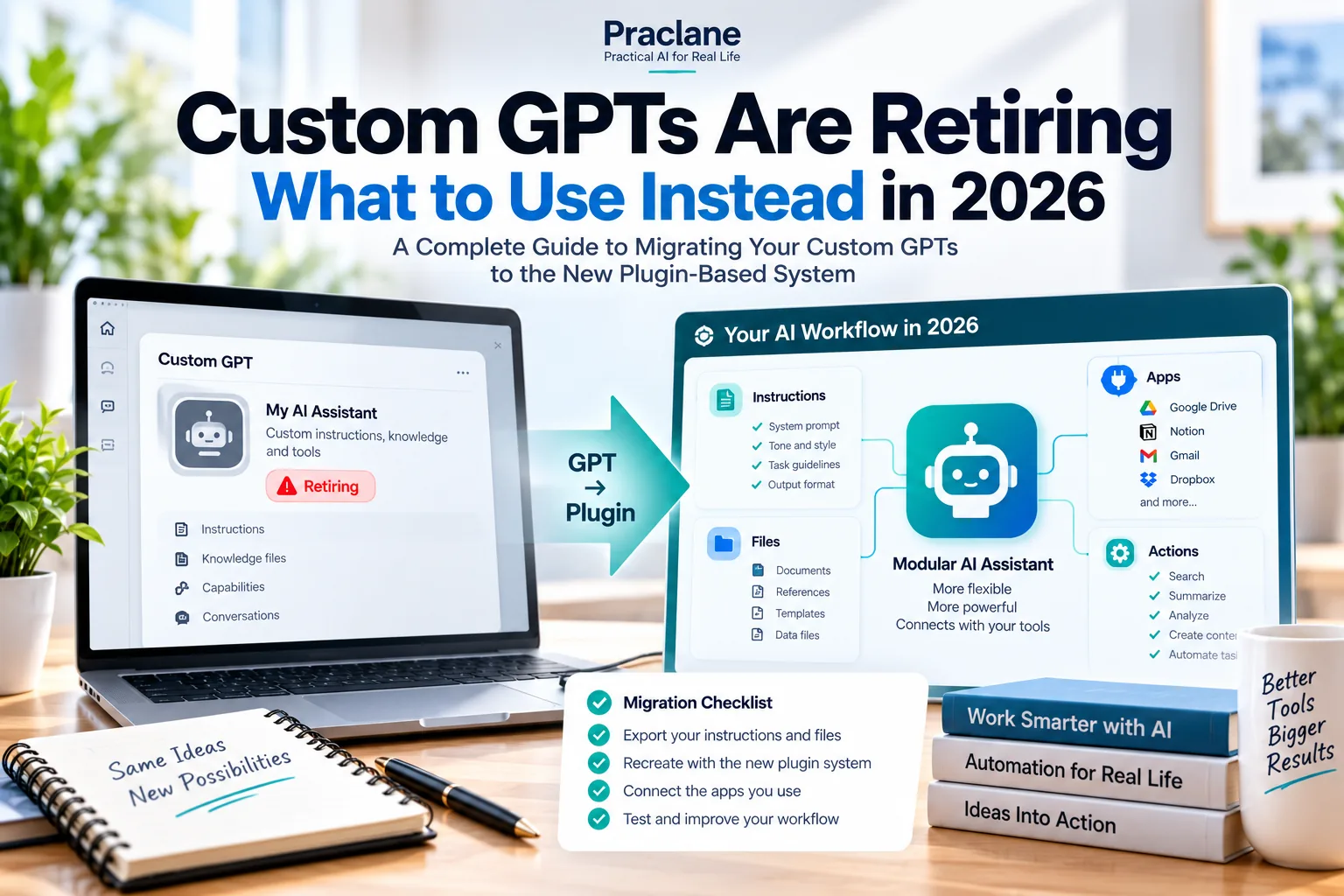
OpenAI is planning to retire custom GPTs and move reusable assistant workflows toward Plugins. If you built a GPT for writing, research, internal knowledge, or connected tools, the important question is no longer “Should I make another GPT?” It is “What should replace the workflow I already have?”
This guide explains the transition in practical terms. It covers what is changing, what is not, what Plugins are designed to replace, when a ChatGPT Project may be the better choice, and how to prepare a workflow before the old GPT stops being available.
Checked against OpenAI’s current documentation on September 25, 2026. OpenAI says custom GPTs are scheduled to retire on December 11, 2026, although migration availability and account-specific timing can vary. Follow the notice shown in your own account or workspace for the final timeline that applies to you.
What Is Changing?
OpenAI’s custom GPT retirement FAQ says the transition affects ChatGPT plans broadly and that creators should prepare to move reusable GPT workflows to Plugins. Existing GPTs remain usable until their applicable retirement date, but migrated GPTs become read-only while the replacement Plugin becomes the workflow you maintain going forward.
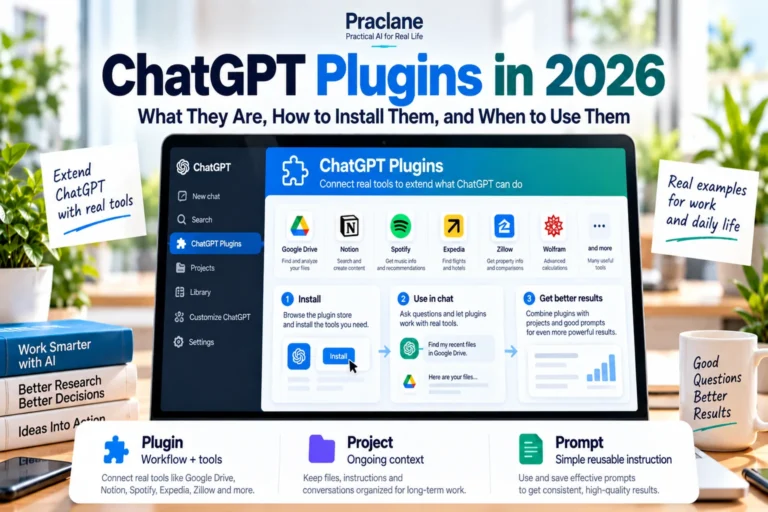
Plugins are not simply a renamed GPT. OpenAI describes Plugins as packages that can combine reusable instructions, skills, connected apps, and other capabilities. That makes them a better fit for workflows that need both guidance and access to external tools or information. For a practical setup and selection guide, see our ChatGPT Plugins in 2026 guide.
| Old Custom GPT Use | Likely Replacement | Why |
|---|---|---|
| Reusable instructions and tone | Plugin skill | Keeps repeatable guidance available across tasks |
| Instructions + connected apps | Plugin with connected apps | Combines workflow guidance with external data or actions |
| Long-running work with files and chats | ChatGPT Project | Keeps evolving context, files, instructions, and conversations together |
| One reusable text prompt | Prompt template | May not need a full Plugin or Project |
| Custom API action | Plugin / rebuilt integration | Custom actions do not necessarily transfer automatically |
The Most Important Distinction: Plugin vs Project
A Plugin and a Project solve different problems.
- Use a Plugin when you want a reusable workflow, instruction set, tool, or connected-app capability that should be available across tasks.
- Use a Project when the important thing is keeping one body of work together over time: chats, files, project instructions, and evolving context.
OpenAI’s current Projects documentation describes Projects as spaces for ongoing work where chats, files, and instructions can stay connected. That makes a Project a better replacement than a Plugin for some GPTs that were really being used as long-running workspaces.
A Practical Decision Table
| If Your GPT Mainly Does This… | Start With… |
|---|---|
| Rewrites text in a fixed brand voice | Plugin skill or reusable instruction workflow |
| Looks up files in Drive, Slack, Notion, or another service | Plugin with the relevant connected app |
| Tracks one client, research topic, or multi-week project | ChatGPT Project |
| Uses a custom external API | Plugin migration plus separate integration review |
| Contains mostly static reference documents | Plugin reference files or a Project, depending on reuse |
| Only saves one clever prompt | Prompt template |
What Should You Do Before Migration?
1. Inventory the GPTs You Actually Use
Do not migrate everything automatically. List the GPTs you still use and write down what each one is actually doing for you.
- What instructions does it rely on?
- What files or knowledge does it use?
- Which apps or APIs does it need?
- Who uses it?
- What are three prompts you regularly give it?
2. Save the Instructions Before You Change Anything
Copy the core instructions into a separate document. If the GPT has important reference files, record the filenames and purpose of each file. This gives you a clean recovery point if the migrated workflow behaves differently.
3. Save a Small Test Set
Choose three to five prompts that represent normal use. After migration, run the same prompts through the replacement Plugin and compare the outputs.
Migration test set: one easy request, one typical request, one edge case, one request that uses a connected app, and one request where formatting matters.
4. Check Custom Actions Separately
OpenAI warns that custom actions or external integrations do not necessarily transfer automatically. If your GPT calls a private API or performs a business action, treat that as its own migration task rather than assuming the new Plugin will reproduce it.
5. Review Sharing and Permissions
If other people use the GPT, identify who needs access to the replacement. A working migration for the creator is not enough if team members cannot install the Plugin or access its connected apps.
Real-World Scenario: A “Client Proposal GPT”
Imagine a custom GPT that does four things:
- Uses a fixed professional writing style
- Reads proposal templates
- Pulls client information from Google Drive
- Creates a first-draft proposal
The replacement probably should not be a single Project. The reusable writing rules and Drive connection belong naturally in a Plugin-style workflow, while each major client engagement may still benefit from its own Project containing client-specific files and conversations.
This is the pattern to look for: reusable capability in the Plugin, evolving context in the Project.
What Not to Do
- Do not rebuild every GPT blindly. Some are better replaced by a simple prompt template.
- Do not assume connected-app permissions transfer. Apps still require their own authorization.
- Do not wait until the last day to test. Migration availability can differ by account and workspace.
- Do not treat Projects and Plugins as interchangeable. They solve different problems.
- Do not delete the old workflow immediately after migration. Compare results while the original is still available.
Migration Checklist
- List the GPTs you still rely on
- Save each GPT’s instructions
- Record reference files and connected apps
- Identify custom actions that need separate work
- Save three to five representative test prompts
- Decide whether the replacement should be a Plugin, Project, or simple prompt
- Migrate when the option appears for your account
- Run the test prompts before switching
- Check permissions for other users
- Maintain the replacement workflow after migration
FAQ
Are custom GPTs being discontinued?
Yes. OpenAI currently says custom GPTs are scheduled to retire on December 11, 2026, although account-specific notices and migration availability may vary.
What replaces a custom GPT?
OpenAI is moving reusable GPT workflows toward Plugins. However, some GPT use cases are better handled by ChatGPT Projects or simple reusable prompts.
Will my connected apps still work automatically?
Not automatically. Connected apps still require the relevant account access, authorization, workspace permissions, and action approvals.
Should I move an ongoing GPT workflow into a Project?
Possibly. If the main value comes from keeping files, conversations, and evolving project context together, a Project may be a better fit than a Plugin.
Final Thoughts
The custom GPT retirement is less about losing a feature and more about separating two kinds of work that were previously mixed together: reusable capabilities and ongoing context.
Use Plugins for reusable instructions and connected capabilities. Use Projects when the important thing is keeping one body of work organized over time. Most importantly, save your current instructions and a small test set now so you can compare the replacement before the old workflow disappears.