Create a Workshop Feedback Survey with Gemini in Google Forms
Gemini in Google Forms can turn a workshop brief into a first survey draft. The useful part comes next: checking the questions, privacy settings, and the route a participant takes to submit feedback. Here is a small example you can inspect before inviting anyone.
1. Start with a small, specific workshop
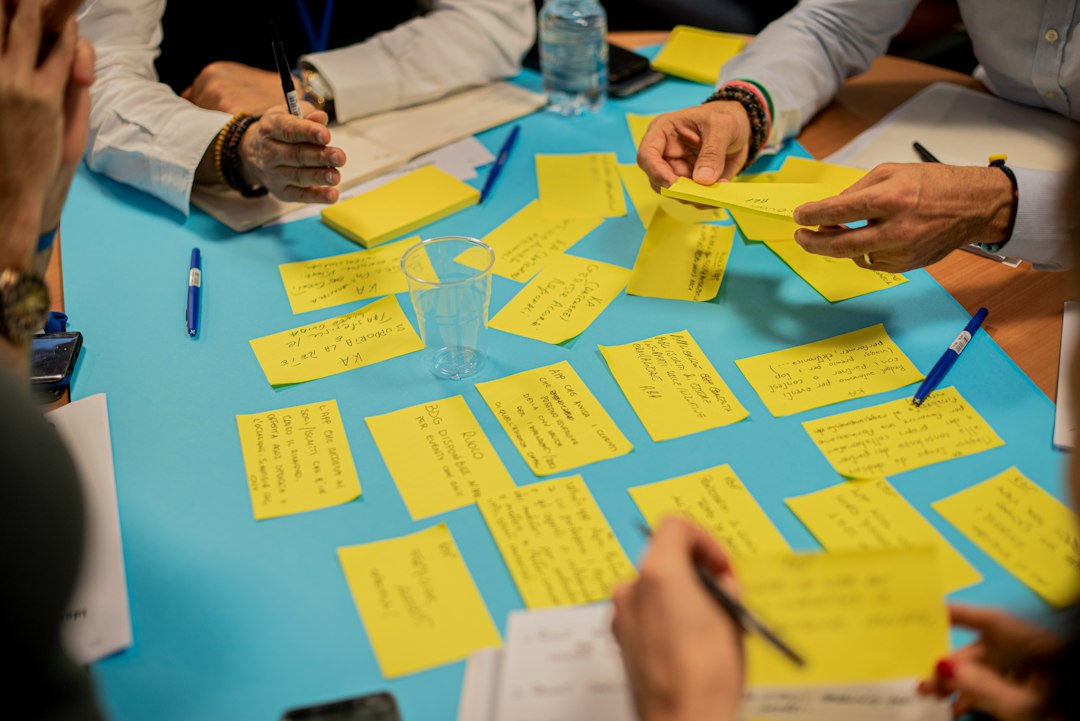
Imagine a fictional 45-minute beginner smartphone-photography workshop covering window light, framing, and tap-to-focus. The organizer wants feedback for the next session, not a test of participants’ knowledge. Keep the survey to four questions in one section, with two required ratings and two optional written answers.
Use a desktop browser as the baseline. Google requires an eligible Google Workspace or Google AI plan. Check availability and the current supported language for your own account. Google’s current language list includes English, Korean, and Spanish for form creation. Mobile creation is documented for Workspace Experiments users, including Gemini Beta, rather than everyone.
2. Generate a draft inside Forms
Open a new, blank Google Form. Use Help me create a form, enter your workshop details and desired language, then click Create. Inspect the generated draft before selecting Create form. This creates the editable form; it does not publish it for participants.
Use the workshop feedback form prompt inside Forms’ native creation window. It specifies the questions and review boundaries. Do not paste participant lists or personal details into the brief.
According to Google’s creation instructions, this feature cannot edit an existing form: it replaces it with the generated form. Start blank, and remember that recreating a draft cannot restore its previous version. If the button is absent, manually add the four questions below; this example does not require purchasing a plan.
3. Check every question and required toggle
Use these examples as the review target. Separate overall experience from clarity so a participant can rate them differently.
- How would you rate your overall experience of this workshop? Linear scale, 1–5; label 1 “Very poor” and 5 “Very good.” Required.
- How clear were the workshop instructions? Linear scale, 1–5; label 1 “Very unclear” and 5 “Very clear.” Required.
- Which exercise was most useful to you, if any? Short answer. Optional.
- What is one change you would suggest for a future workshop, if any? Paragraph. Optional.
Confirm exactly four questions, two Required toggles on, and two off. Remove extra sections, names, email questions, and file uploads. Check that quiz mode is off and there are no answer keys or points. Replace leading wording such as “How excellent was the session?” with balanced language.
Manually inspect Settings → Responses and turn email collection off for this example. Omitting name and email questions does not by itself guarantee anonymity. Avoid promising it without reviewing access, collection settings, and how written comments could identify someone. After collecting real feedback, use the customer feedback analysis guide to organize comments into possible improvements.
4. Test the respondent flow, then share manually
Preview the form on desktop and a phone. Check both scale labels, optional fields, and the confirmation text. Keep View results summary off for this example so written comments are not shared with respondents.
Follow Google’s publishing and access instructions manually. Before publishing, choose who may respond. “Limit to 1 response” requires Google sign-in, so decide whether that fits your attendees. An unpublished form cannot accept respondents through its link.
When ready, publish to the intended audience and test the responder link using the access conditions attendees will have. Submit dummy ratings while leaving both optional fields blank; verify receipt, then remove the test response. Only then distribute the responder link. Creating, publishing, testing, and sharing are human steps in this workflow; this guide has not performed them.
Feature availability checked October 20, 2026. The workshop and four questions are fictional examples, not observed Gemini output.
Photo: FORTYTWO / Unsplash.